Functions let you interact with your connected tool’s API to retrieve specific information before send a request (webhook) to K inventory. For example, they can retrieve a category or product identifier and include it in your queries.
1. In the left-hand menu, click on the Settings.
2. In the Automation section , click on Functions.
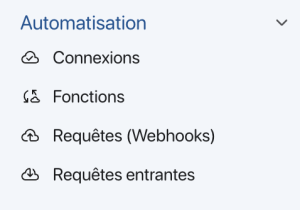 Automation menu
3. Click on the Create function.
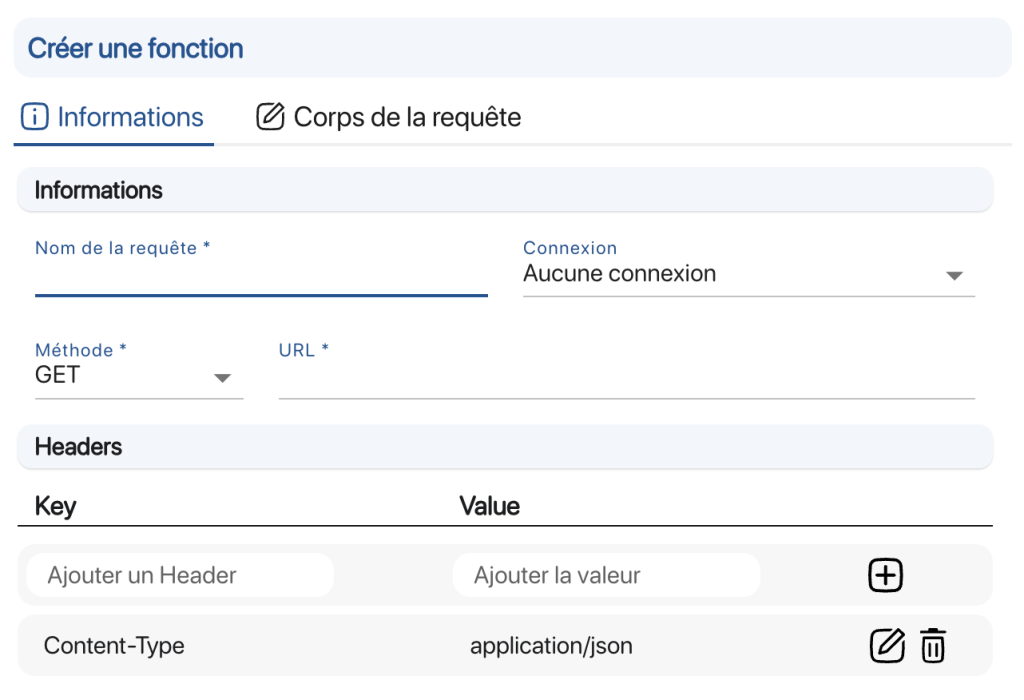 Create a function
4. Go to Informationto create your new function:
- Query name
- Connection: Select a connection previously created in Connection automation
- Method:Select the appropriate HTTP method for your request
- URL: Enter the URL to connect to your tool. TheURL must point to the specific resource you are targeting (e.g. /products/{product_id} ).
- Returned value: Property to be retrieved (example: entries.0.values.Request ID)
5. Go to HeadersIf necessary, add headers specific to your request in addition to those already defined in the connection (optional):
6. In Corps queryselect the K inventory data you wish to include in your new feature. 7. Save your changes with the Save. To continue browsing, here are a few articles related to this page:
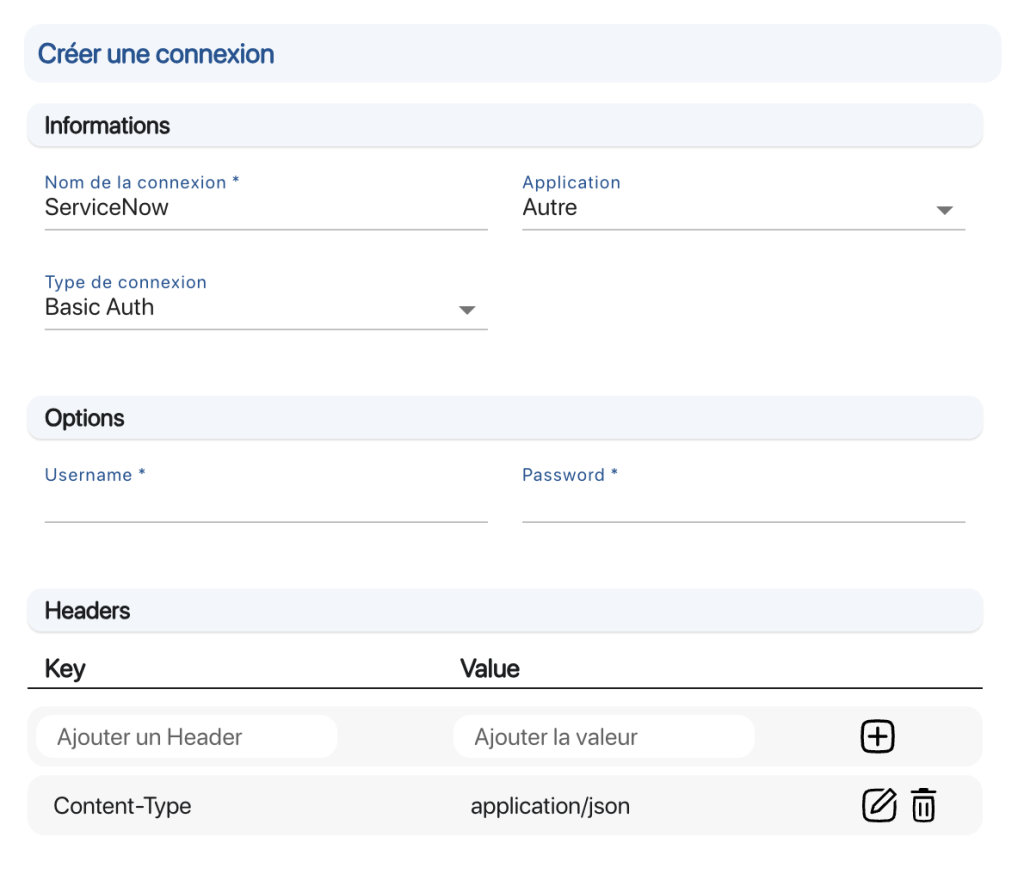 Setting up a connection

