The functionality Delete custom formfeature on the K inventory platform allows you to quickly and permanently delete customized forms. With this feature, you can customize your K inventory platform by removing elements you no longer need, delivering a more efficient experience tailored to your specific needs.
1. Left-click on Settings then on Custom forms.
2. Click on the icon of the form to be deleted.
3. Click on the Confirm button to confirm deletion of the customized form.
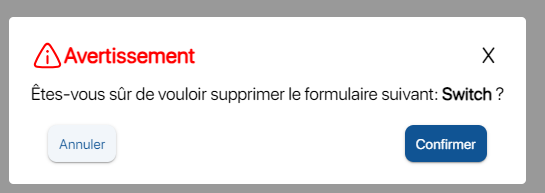 Confirmation of custom form deletion
To continue browsing, here are a few articles related to this page:

