The bundle module is a feature of K-Inventory that allows you to link multiple references together based on a brand and model. Updating an equipment item configured in the Bundle module will automatically update the products linked to it.
1. In the menu on the left side of the screen, click Settings, then Bundle.
2. Click the < 0 > icon in the row of the bundle you want to delete.
3. Click on the Confirm button to confirm deletion of the bundle.
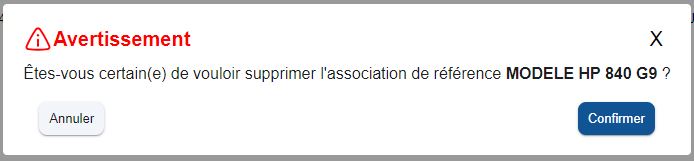 Confirm deletion
To continue browsing, here are a few articles related to this page:

