WMS software for SMEs: your warehouse run by scanning
The WMS module covers an item's journey through an SME's warehouse: receipt checked against the order, put-away at a precise location, guided order picking and transfers between sites. It is set up in a few days, with no server to install.
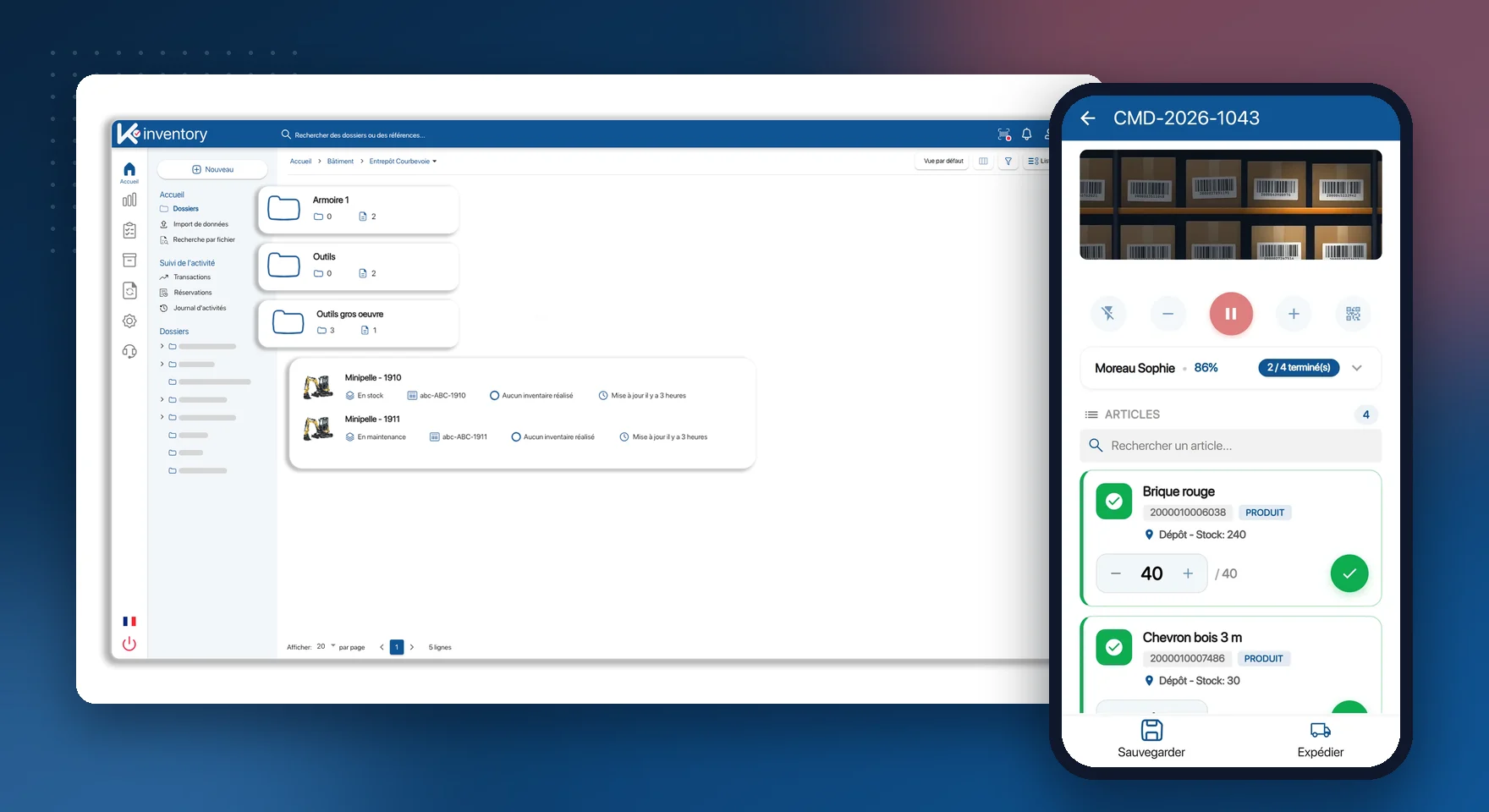
What the WMS module does
Checked receiving
Delivery checked by scanning at the dock, line by line, against the order.
Supplier catalogues
Supplier items built in, purchase orders placed from the platform.
Location addressing
Warehouse, building, aisle, shelf, bin: an address for every item.
Guided picking
Assigned pick lists, each line confirmed by scanning.
Error prevention
An item that is not on the order is rejected before it leaves.
Lots and variants
Size, colour, lot, best-before date or serial number kept apart.
Transfers between sites
Depot, shops, trucks: shipment and receipt traced.
Rugged terminals
Smartphones, Zebra or Honeywell terminals, Bluetooth handheld scanners.
Logistics attributes
Weight, dimensions and storage rules as custom fields.
An item's journey through the warehouse
Receive
The delivery is scanned at the dock and compared with the supplier order.
Put away
Each item is placed at its location, confirmed by a scan.
Pick
The warehouse operative follows their list on the phone and scans each pick.
Ship
The order leaves complete; a transfer to another site stays traced.
The right item in the right parcel
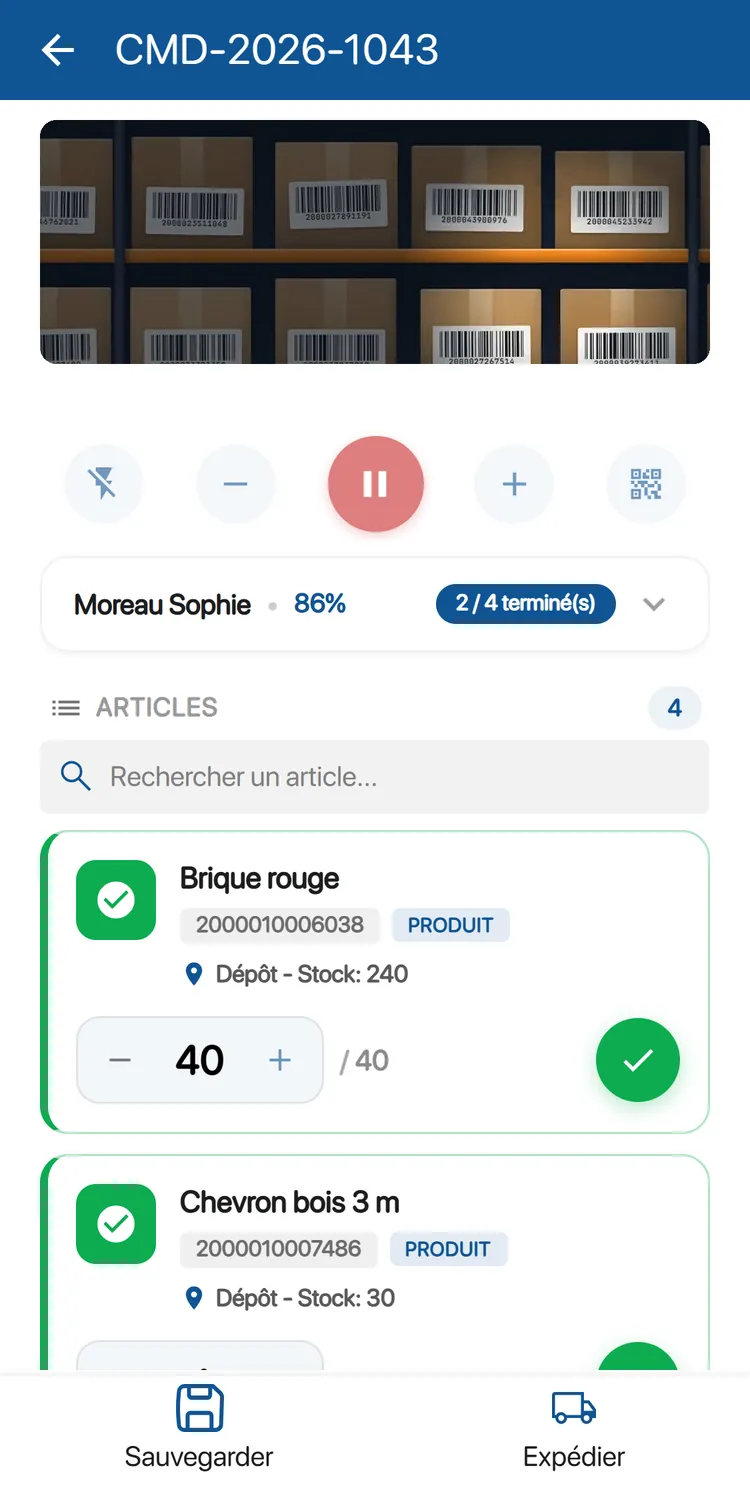
The list tells the warehouse operative where to go and what to take. The scan confirms each line, and the wrong item is blocked.
Order progress visible line by line
Quantity picked compared with the quantity ordered
Error sound and rejection if the code is not part of the order
WooCommerce orders picked the same way (Custom plan)
Delivery discrepancies spotted before put-away
What arrives is compared with what was ordered, as it is unloaded. A missing or surplus item shows up before anything is put away.
Receipt checked on the phone, at the dock
Lot, best-before date or serial number entered on arrival
Stock levels updated on validation
Critical stock alert by email or in the app
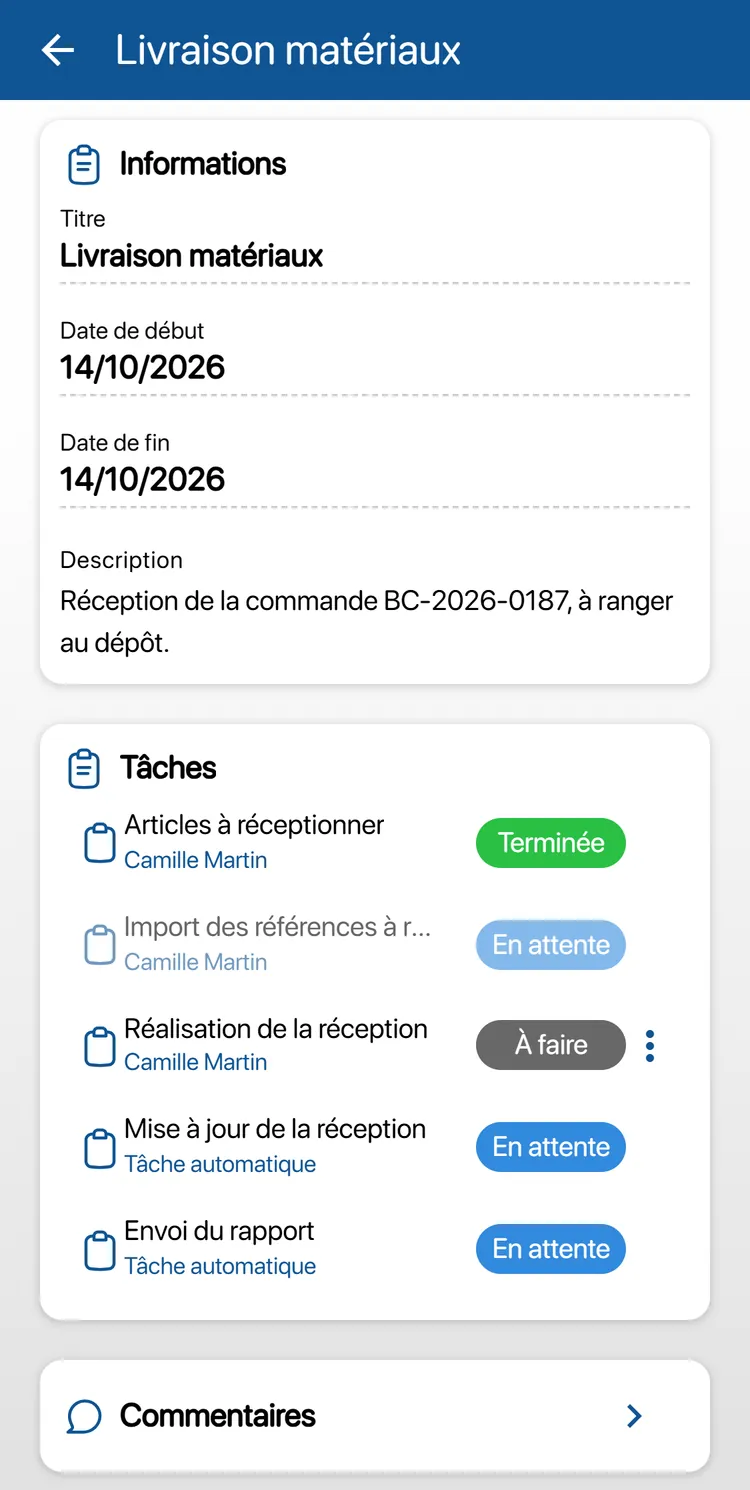
Combine the WMS with
The warehouse by sector: Retail and e-commerce, Industry, energy and environment, Healthcare and laboratories, Construction and public works.
Frequently asked questions about the WMS
Do we need a server or an installation?
No. The WMS is hosted in France and runs in the browser and on the mobile app. It is set up in a few days.
Do our Zebra terminals work?
Yes. The app runs on Zebra or Honeywell rugged terminals with a laser scanner, as well as on iOS and Android smartphones.
Can the WMS be connected to our ERP?
Yes, through the API module of the Custom plan: movements, stock in and stock out flow into your ERP (SAP, Sage, Cegid…), with no double entry.
Are lots and expiry dates tracked?
Yes. Lots, best-before dates and serial numbers are entered at receipt and tracked through to shipment.
Pricing, plans and number of items: see the Pricing page.
A warehouse run by scanning
In the demo, we show you a receipt and an order picking run on your own items.