An AI assistant to manage your inventory in natural language
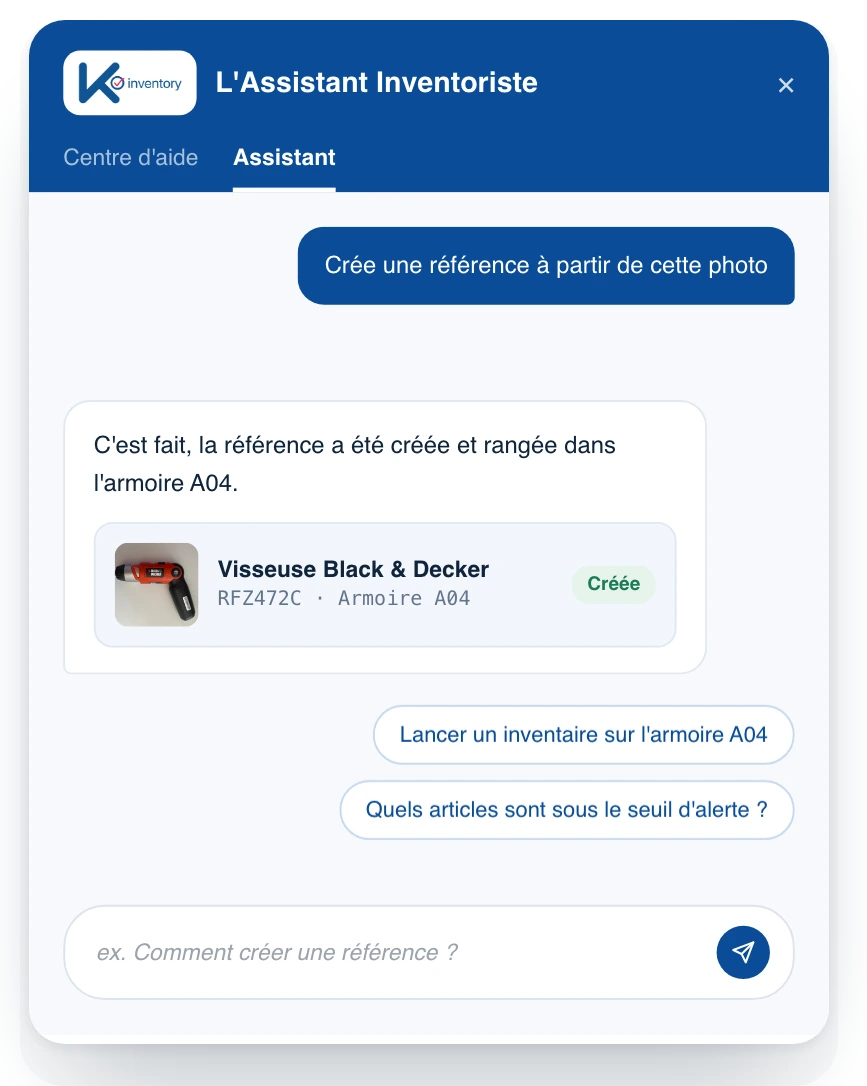
The AI assistant is built into the platform: you write to it as you would to a colleague, and it searches, answers and acts. It creates an item record from a photo, starts an inventory, prepares an import or draws a chart. Your data is not used to train public AI models.
What the AI Assistant does
Plain-language questions
“Which items are below their threshold?”: the answer and the list.
Actions carried out
“Start an inventory of cabinet A04”: done.
Multi-step tasks
Up to 20 chained steps, with a question when needed.
Photo to record
The AI suggests the name and fills in the record, custom fields included.
Photo search
A photo of a tool finds its record.
Assisted import
Columns mapped, data cleaned, inconsistencies fixed.
Initial setup
At first login, the AI suggests categories and locations.
Charts
Charts suggested from your data.
“If… then” rules
Email, QHSE alert, blocking of faulty equipment, with no code.
Using the assistant day to day
Open
The assistant opens from the web platform, alongside your data.
Ask
Type your question or action in everyday language.
Clarify
If it is missing information, the assistant asks you.
Carry on
It works through the steps and hands back to you with the result.
Create an item without typing a thing
In the field, data entry is what slows people down most. Here, a photo is enough: the AI recognises the object and fills in the record, and you check it before saving.
Name suggested from the photo
Custom fields filled in when the AI can infer them
Check before saving
Module enabled depending on your plan
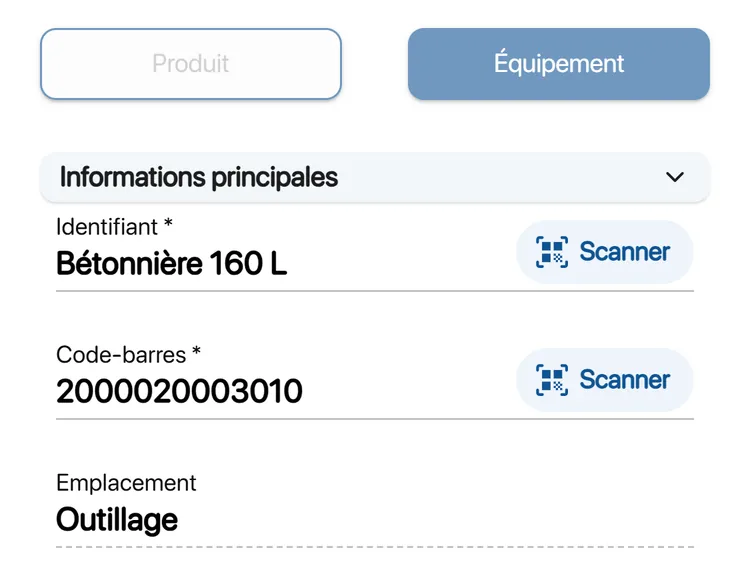
Repetitive tasks handed over to rules
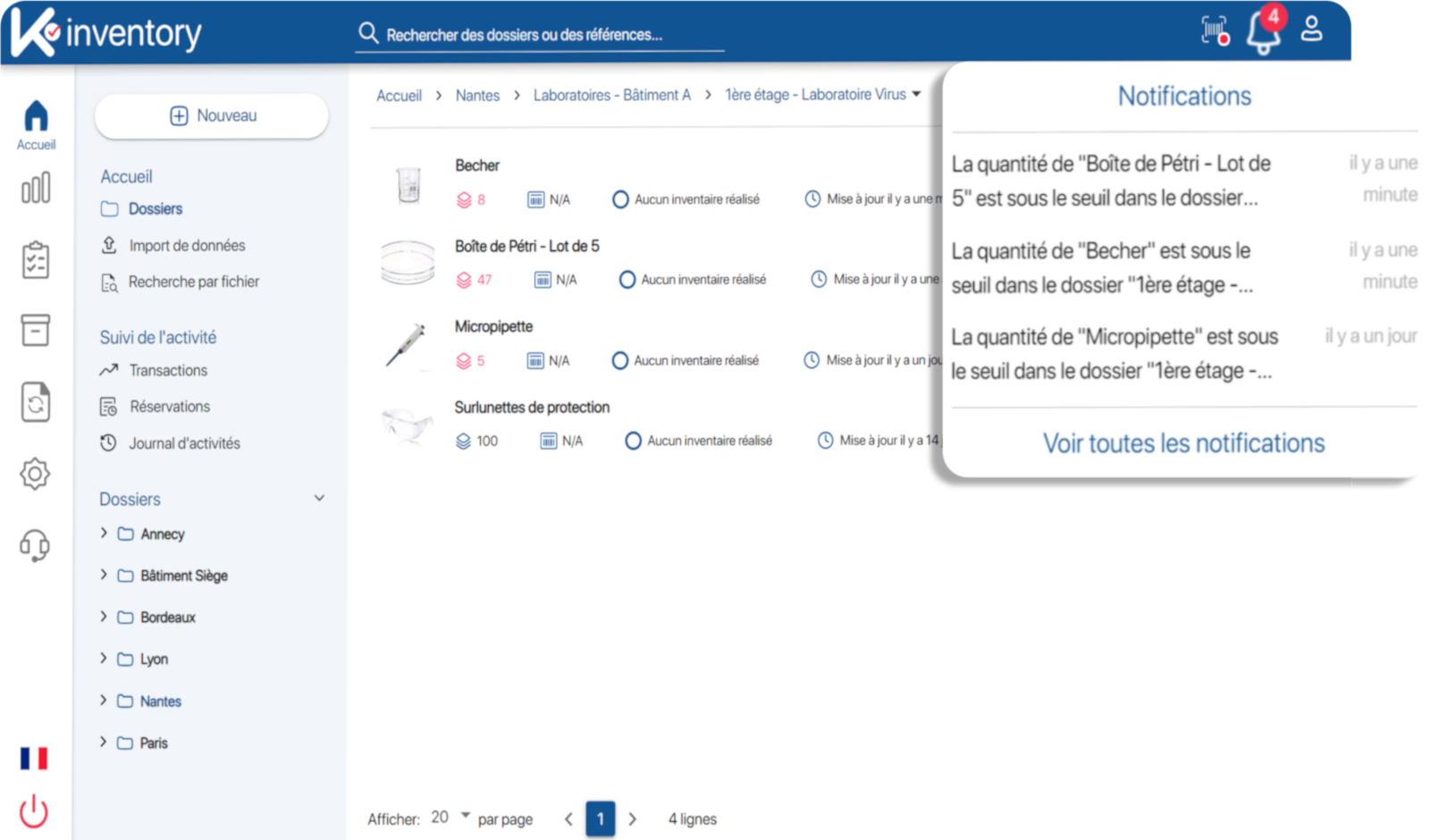
A rule describes what should happen when an event occurs. It runs on its own, every day, without anyone having to think about it.
Trigger event: threshold, status, date
Action: email, alert, blocking, field update
Rules created without development
Combine the AI Assistant with
AI by sector: Construction and public works, Banking, insurance and services, Public sector and local authorities, Retail and e-commerce.
Frequently asked questions about the AI Assistant
Do I need to learn a syntax?
No. You write in everyday language, as you would to a colleague who knows your inventory.
Can the assistant make mistakes?
It asks you a question when clarification or confirmation is needed. For photo-based creation, you check the record before saving it.
Is our data used to train a public AI?
No. Your data is not used to train public AI models and remains your property.
Is photo-based creation included in all plans?
Photo-based creation and search are modules enabled depending on your plan. We discuss this during a demo.
Pricing, plans and number of items: see the Pricing page.
Talk to your data
In a demo, an expert shows you the AI Assistant on data similar to yours.
Enjoy a 14-day free trial of K inventory!
When you sign up, you can use every K inventory feature for 14 days, with no commitment and no credit card.
Contact us
Would you like us to contact you? Enter your email address below!