Inventory management and stocktaking software, connected to the field
The inventory management module keeps your quantities up to date with every movement, scanned on the phone. You count your stock in small zones throughout the year, and the platform warns you about the item that is about to run out before it does.
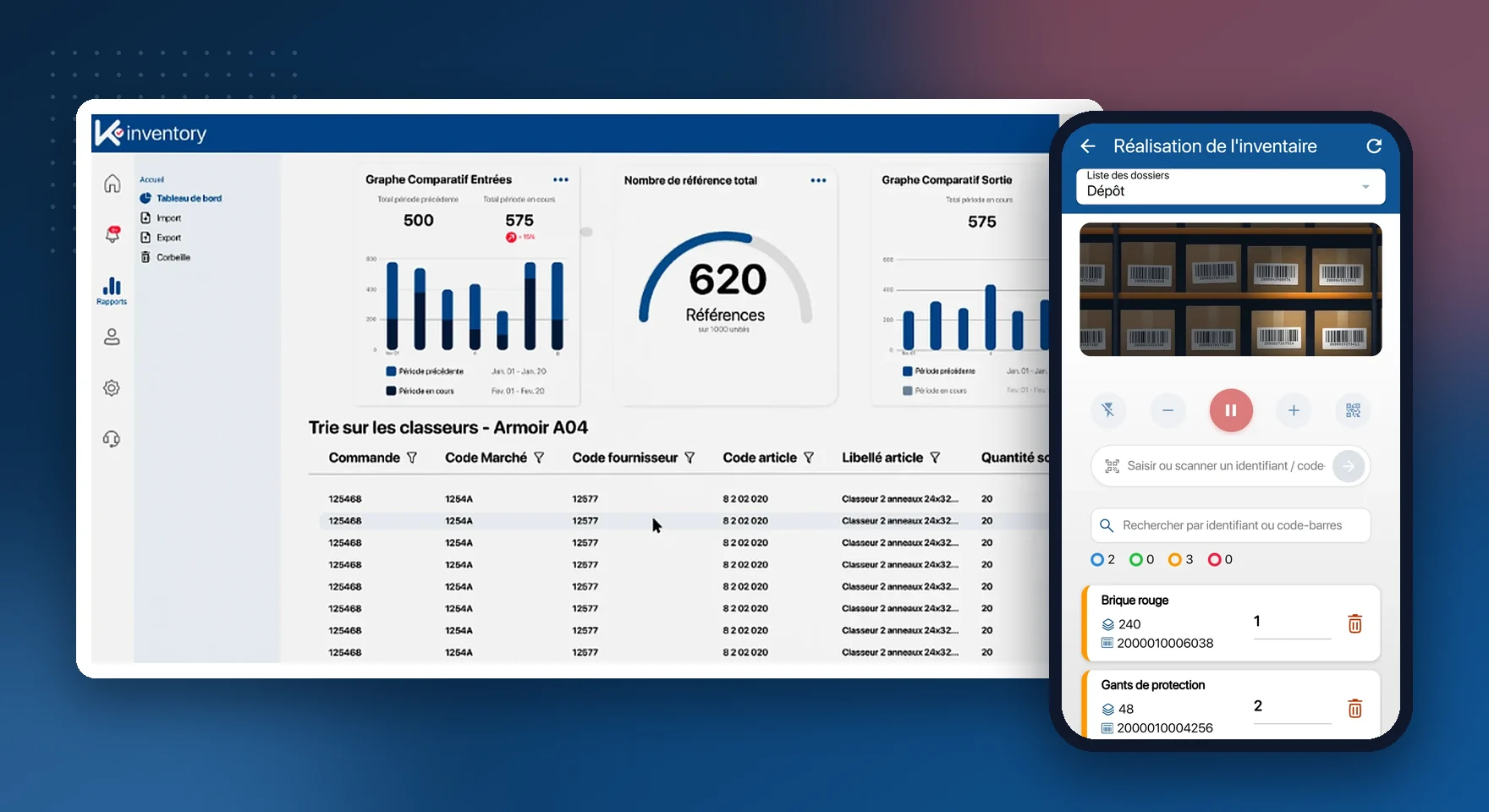
What the inventory management module does
Stock in, stock out, transfers
Every movement recorded by scan, with the date, the user and the site.
Code reading
1D barcodes, QR codes and Datamatrix codes read by the smartphone camera.
Handheld scanners and RFID
Bluetooth handheld scanners and UHF RFID readers for high volumes.
Cycle count
One part of the stock counted at a time, without closing the stockroom.
Alert thresholds
A notification as soon as an item reaches its safety stock.
Bulk update
Scan a batch, then change quantity, status or location in one go.
Labels
Barcodes and QR codes generated and printed from the platform.
Excel import and export
Your current file brought in, exports for your reporting.
Dashboards
Stock value, most consumed items, movements by period.
From your Excel file to stock kept up to date by scanning
Import
Your item list is imported from Excel, with columns mapped in a few clicks.
Label
Print a barcode or QR code for items that do not have one.
Scan
Every stock in and stock out goes through the phone, in the stockroom or on site.
Count
The cycle count checks stock zone by zone and calculates discrepancies.
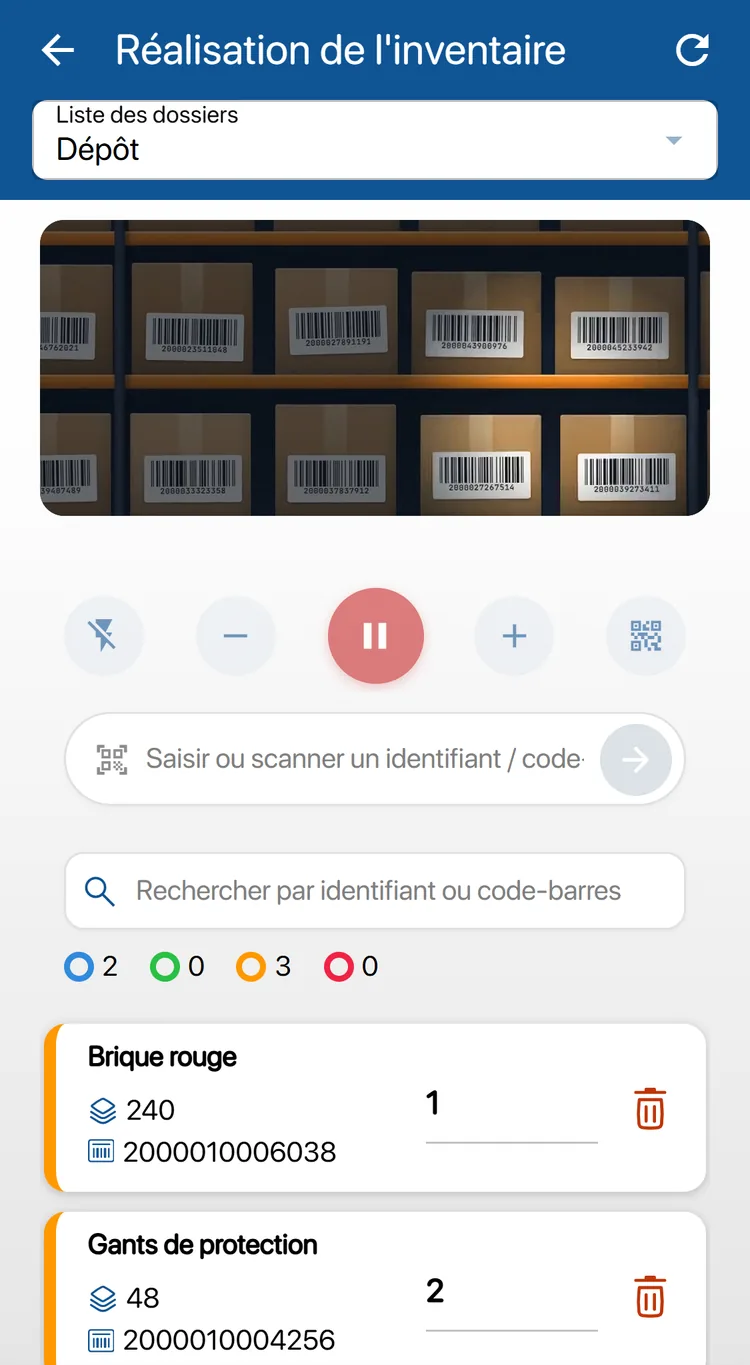
A stock movement takes three seconds
The storekeeper points at the label, enters the quantity and confirms. Stock is up to date for every user, on every site.
Continuous scanning: the camera reads one code after another without a tap each time
Beep and vibration on every successful read
Manual entry possible when the label is damaged
Transfers between sites tracked end to end
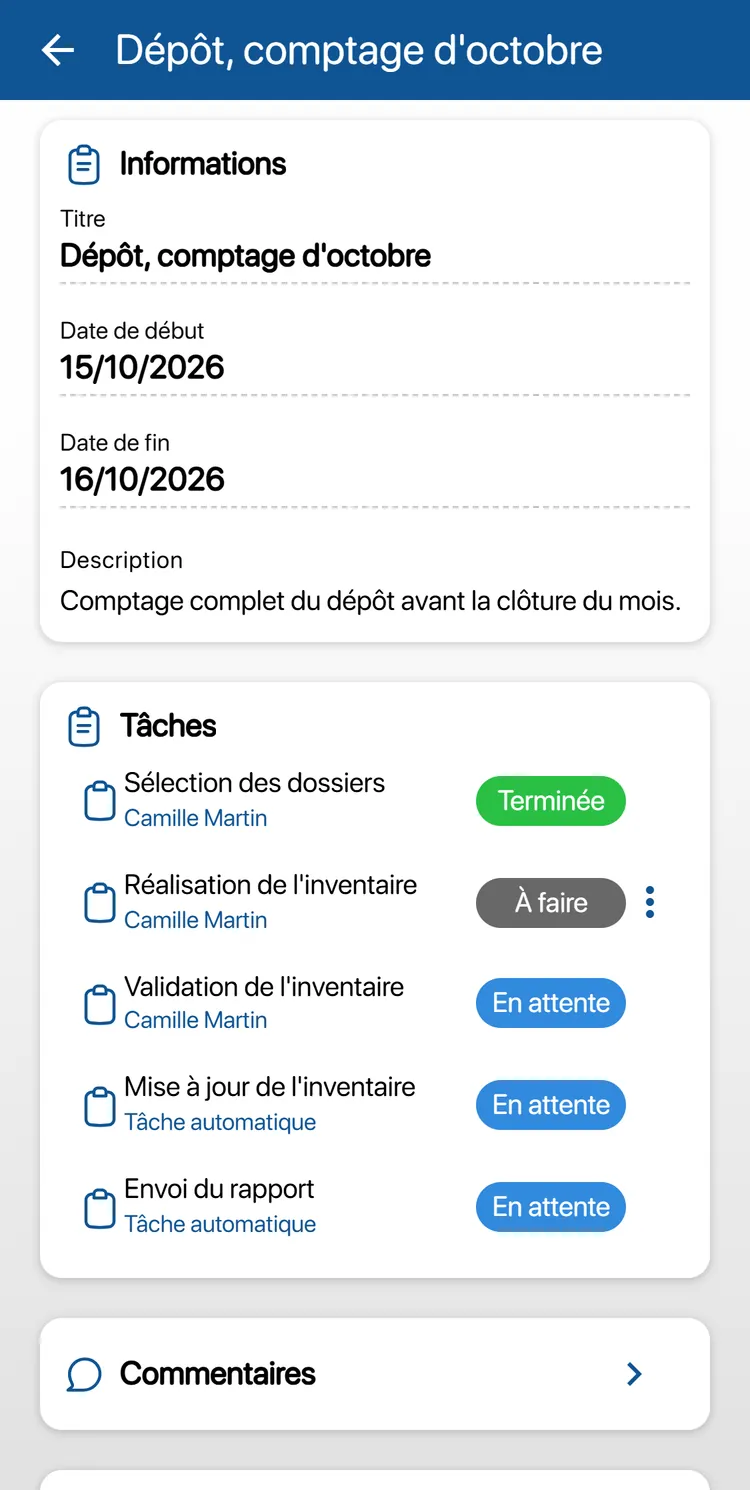
An inventory kept up to date all year, zone by zone
By counting one zone each week, your stock stays accurate all year round. When the year-end inventory comes, most of the work is already done.
Counting on the phone, even without a network
Discrepancy between expected and counted stock calculated on validation
Date of the last inventory shown on each item
Inventory report in Excel
Combine inventory management with
Inventory management by sector: Retail and e-commerce, Healthcare and laboratories, Construction and public works, Hospitality and accommodation.
Frequently asked questions about inventory management
Do I need to buy handheld scanners?
No. The smartphone camera reads barcodes, QR codes and Datamatrix codes. Bluetooth handheld scanners can still be used if you already have them.
Can we manage several stockrooms or depots?
Yes. Each site is a location in the hierarchy, with its own stock. Transfers between sites are tracked.
What happens if the network drops during a count?
The count carries on: quantities are kept on the phone and sent as soon as the network is back.
How do we bring in our current file?
Through the Excel or CSV import: you map your columns (item, quantity, location) and the database is created in one go.
Pricing, plans and number of items: see the Pricing page.
Accurate stock, without spending your days on it
In a demo, we load an extract of your file and show you your first scanned movements.
Enjoy a 14-day free trial of K inventory!
When you sign up, you can use every K inventory feature for 14 days, with no commitment and no credit card.
Contact us
Would you like us to contact you? Enter your email address below!