Enterprise asset management software (EAM), from purchase to end of life
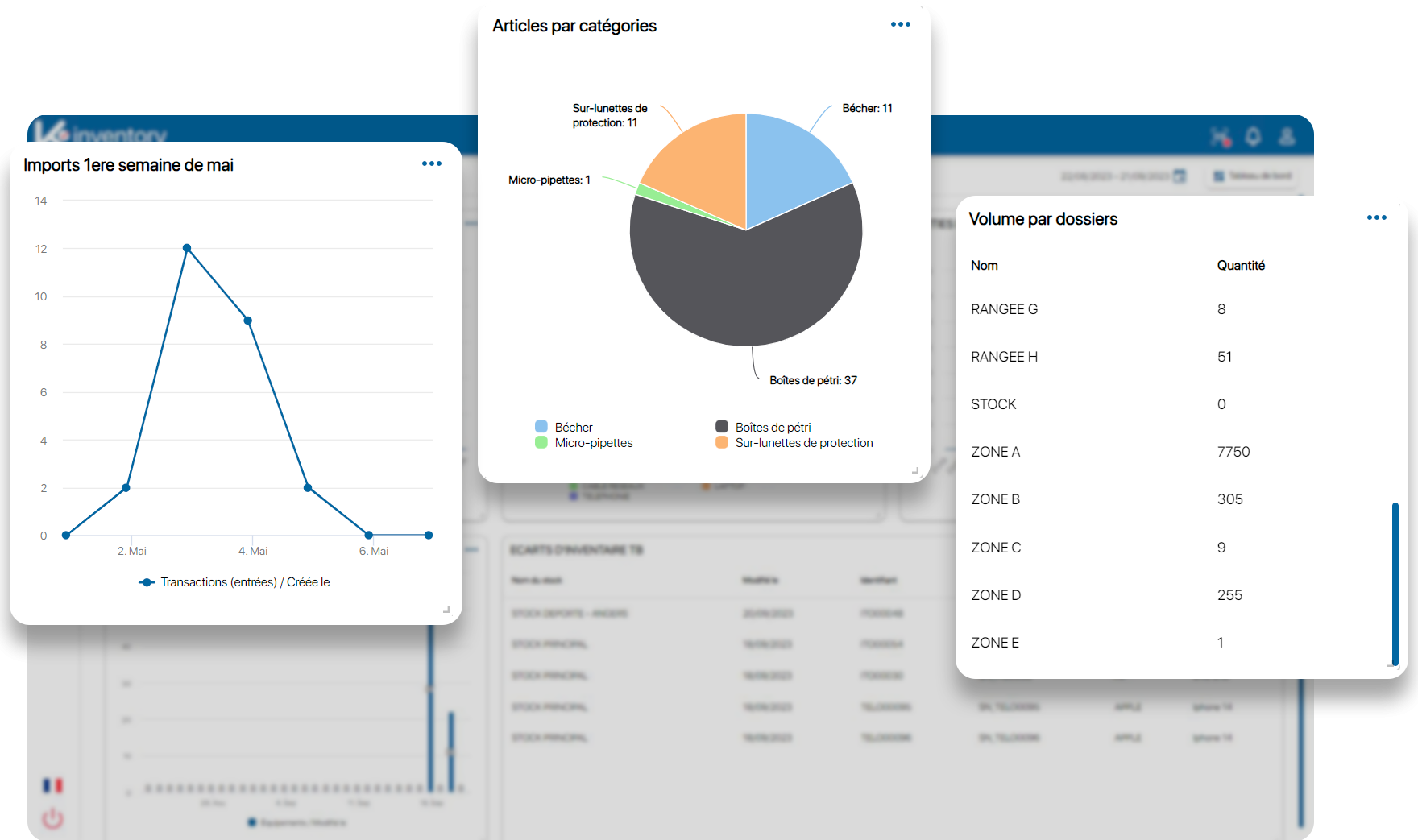
The EAM module gives your finance department and facilities team the same up-to-date list of assets: where each one is, who is responsible for it, what it is still worth and what will become of it. Every removal from the inventory is documented.
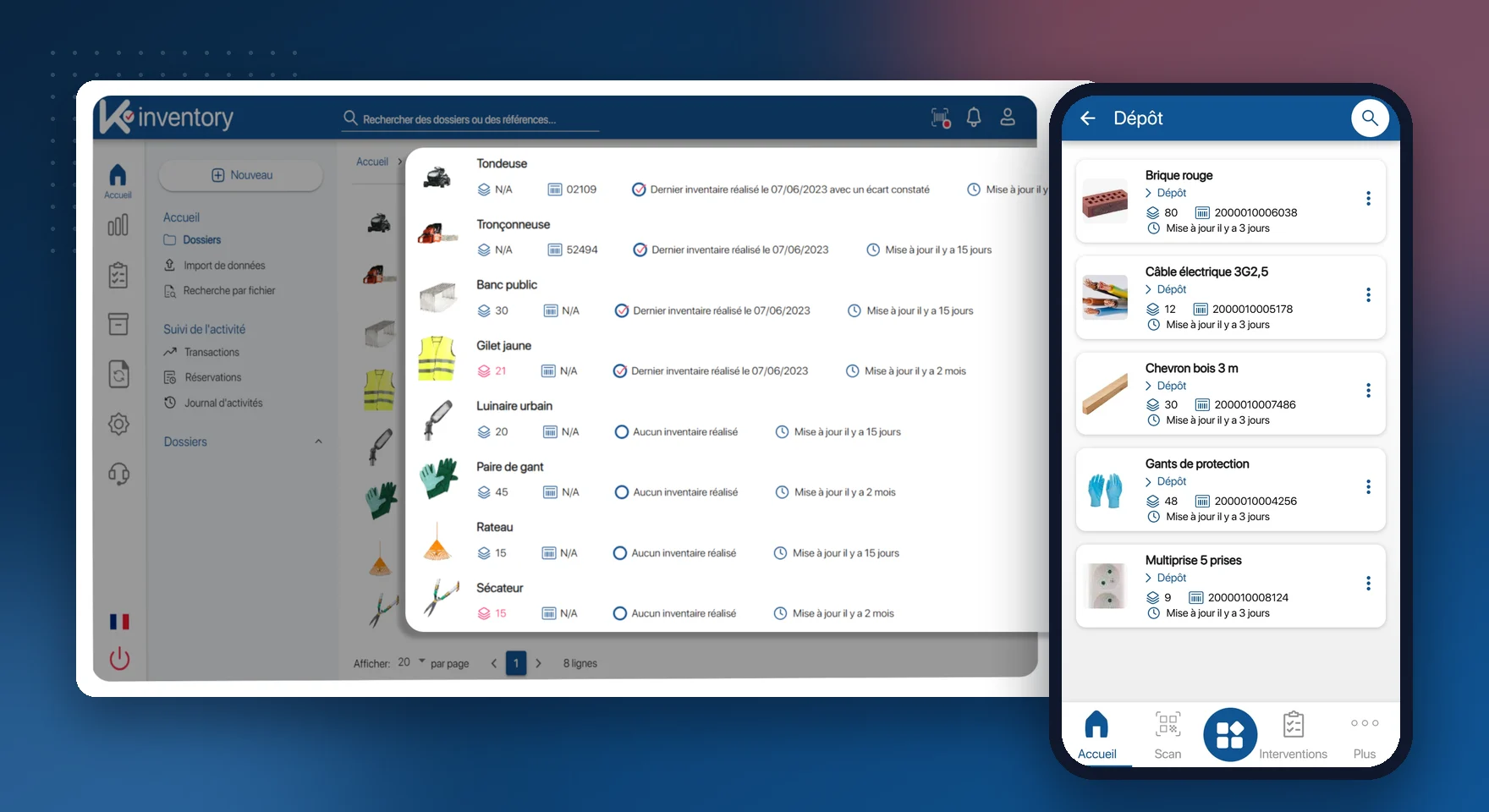
What the EAM module does
Modelling your organisation
Subsidiaries, sites, buildings, rooms: an unlimited hierarchy.
Depreciation
“Formula” fields for straight-line or declining-balance calculation.
Cost of ownership
The total cost of each asset, from purchase to disposal.
Contracts and warranties
Leasing, maintenance, warranty: an alert before expiry.
Named custodian
Vehicle, machine or PPE assigned to a named person, with a signed acknowledgement.
Bookings
Shared equipment reserved for a period, with an alert if it is not returned.
Digital twin
An accurate picture of your equipment fleet, updated with every scan.
Attached documents
Manuals, certificates, reports and photos on the asset record.
End of life and AGEC law
Exit statuses and reports that document reuse.
The life of an asset in K inventory
Register
On purchase, the asset gets its record, its original value and its label.
Assign
It is assigned to a person, a department or a site, with a signed acknowledgement.
Track
Its value, contracts and movements are kept up to date.
Retire
Reuse, donation, recycling or scrapping: the disposal is documented.
The same asset list for the field and for accounting
The physical inventory and the fixed asset register drift apart as soon as an asset moves without leaving a trace. Here, every scan keeps the two in line.
Residual value recalculated on the dashboards
Physical inventory reconciled with the fixed asset register
Fixed asset records synchronised with SAP or Sage through the API module (Custom plan)
Tamper-proof activity log for your tax audits
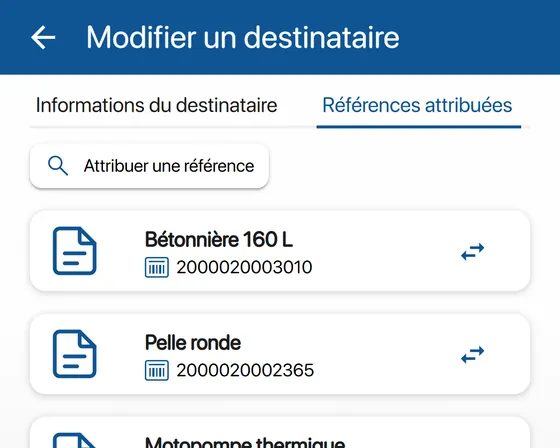
Book a vehicle or a machine without conflicts
Shared equipment is booked for a period, then returned, and the system checks that it actually was.
Availability checked before each booking
Asset reserved for the chosen period
Alert if it is not returned
History of successive users
Combine asset management with
Asset management by sector: Public sector and local authorities, Banking, insurance and services, Culture and heritage, Industry, energy and environment.
Frequently asked questions about asset management
How is depreciation calculated?
With a “formula” field: you define the rule, straight-line or declining-balance, based on the acquisition date, the initial value and the useful life.
Can an asset be lent out for a few days?
Yes, with bookings: the asset is reserved for the period, and an alert goes out if it is not returned on time.
What should we do with an asset at the end of its life?
Give it an exit status (reuse, donation, recycling, scrapping). The exit report documents the decision, in particular under the French AGEC anti-waste law.
Can an asset group several components?
Yes. Accessories and components are linked to the main asset and move with it.
Pricing, plans and number of items: see the Pricing page.
Know the real value of your equipment fleet
In a demo, we start from your fixed asset register and your sites.
Enjoy a 14-day free trial of K inventory!
When you sign up, you can use every K inventory feature for 14 days, with no commitment and no credit card.
Contact us
Would you like us to contact you? Enter your email address below!