Equipment and asset management software
Job site tools, PPE, furniture, spare parts, consumables, computers or machines: K inventory tracks all your equipment in a single tool. Every object has its own record, and your teams update it with a scan from their phone.
What equipment do you want to track?
From tracking job site equipment to taking a furniture inventory, each page shows sample records and the life cycle of the equipment concerned.
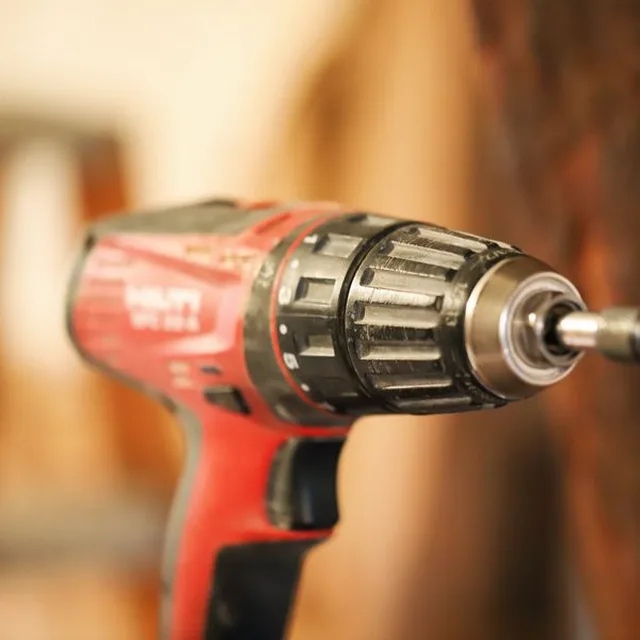
Tools and job site equipment
Who has what, on which site, and when to inspect it.
See the page →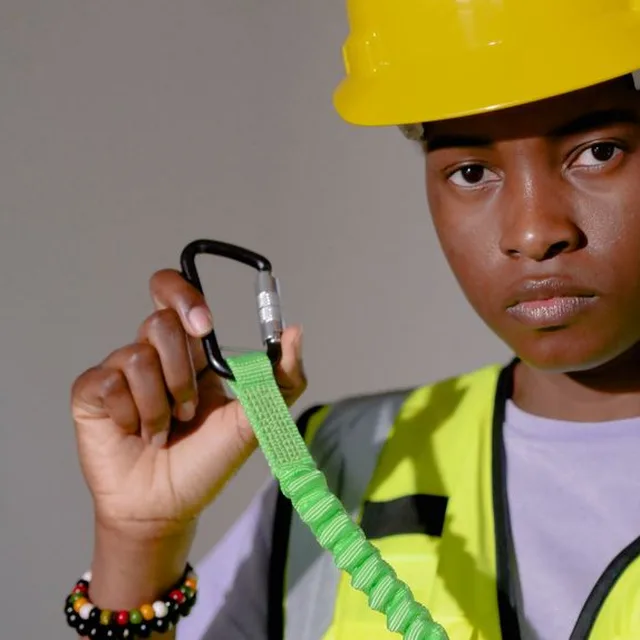
PPE
Issued to a named person with a scan, periodic inspections, return.
See the page →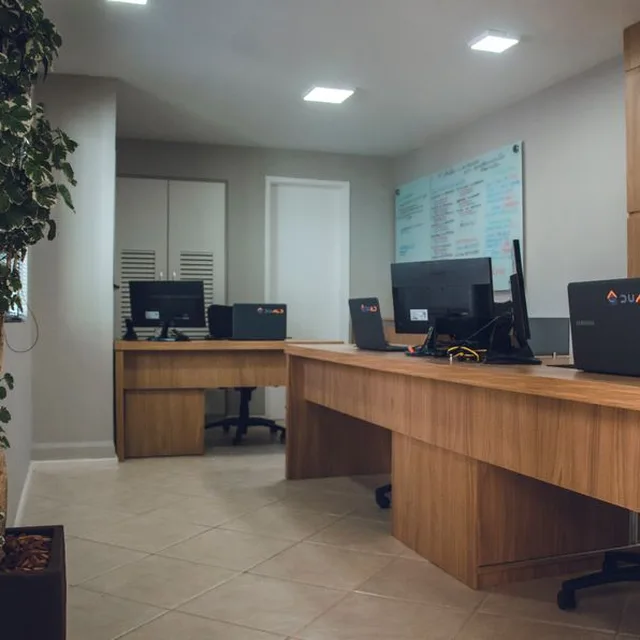
Furniture
Every piece located, moves traced, reuse documented.
See the page →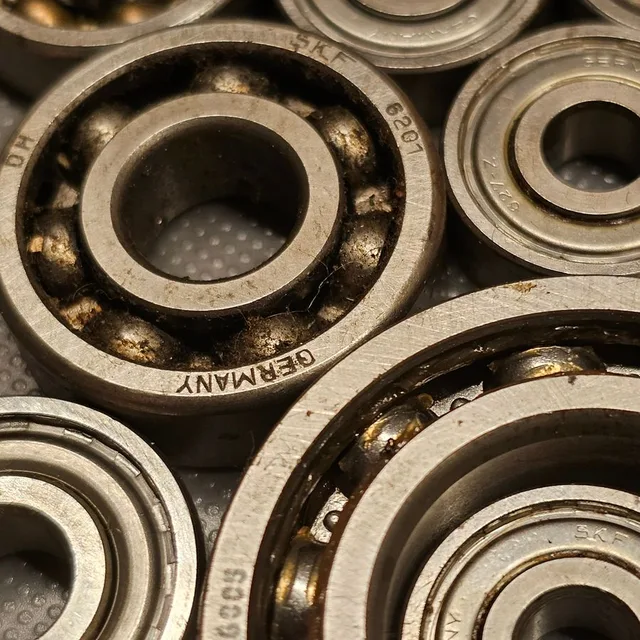
Spare parts
Storeroom linked to equipment, thresholds, issue on the work order.
See the page →
Consumables
Fields specific to each category, batches, expiry dates, thresholds.
See the page →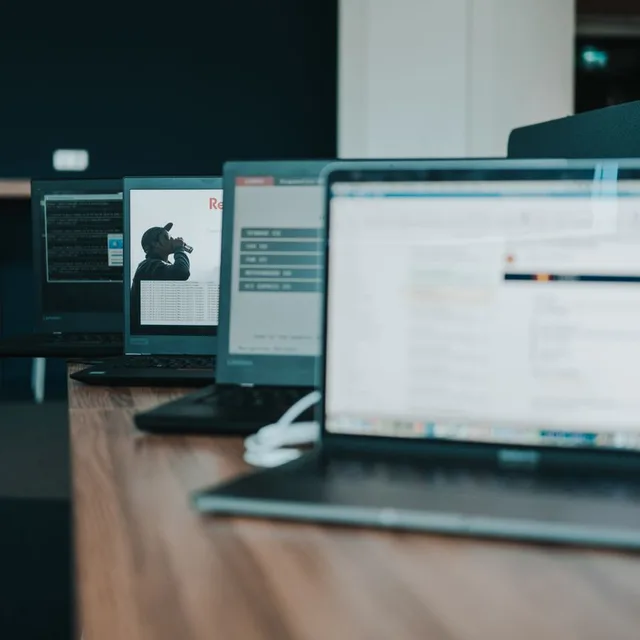
IT
Computers, monitors, phones: assignment and return with a scan.
See the page →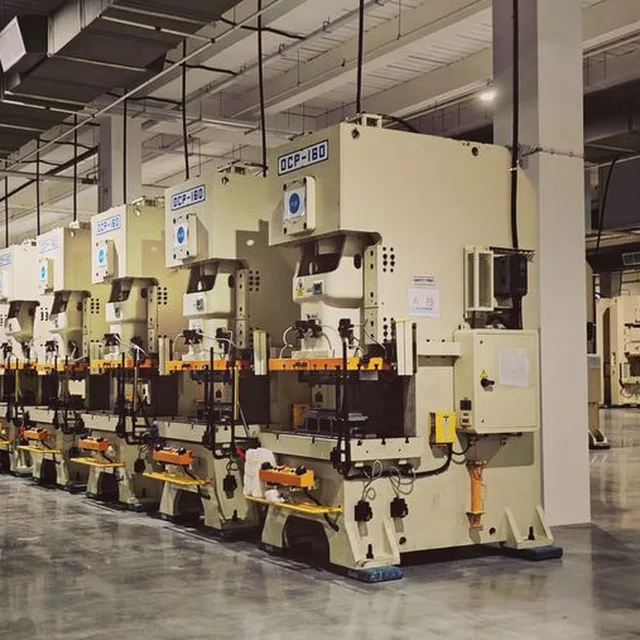
Equipment and machines
Preventive maintenance, work orders, history of every piece of equipment.
See the page →Another type of equipment?
Vehicles, linen, artworks, emergency equipment, instruments: show us yours and we will show you how to track it.
Book a demo →Two ways to track equipment
Individually
Each object has its own label and record: serial number, holder, location, inspections and full history. For valuable equipment, equipment assigned to someone, or equipment subject to inspection.
Drill, harness, computer, desk, welding unit
By quantity
A single item per location, with its stock, its alert threshold and its outgoing movements. For identical equipment that wears out or gets used up.
Gloves, identical chairs, bearings, cartridges, cleaning products
What you know about each piece of equipment
With your own fields: each category has its own, created on the web, with no development.
Where it is
Site, building, room, vehicle or job site, and the last scanned movement.
Who has it
Assigned to a person, a team or a job site, with the date it was handed over.
What condition it is in
Status, photos and inspection forms filled in on the phone.
When to inspect it
Date of the next inspection or service, reminder before the due date, report attached.
How many are left
Stock per location and an alert below the threshold.
What became of it
Reuse, donation, sale, recycling or scrapping: the status and the reason stay on the record.


 Château de Pau
Protection Civilede l'Hérault
Frequently asked questions about equipment management
What equipment can be managed with K inventory?
Any physical asset: tools and job site equipment, PPE, furniture, spare parts, consumables, IT, equipment and machines. Each category has its own fields, which you create on the web, with no development.
How do we know who has which equipment?
Each piece of equipment tracked individually is assigned with a scan to a person, a team or a job site. Its record shows who holds it and since when, and every check-out and every return stays in the history.
Do we need to buy handheld scanners?
No. The phone camera reads barcodes and QR codes continuously. Bluetooth handheld scanners and NFC tags are also supported if you already have them.
There is no signal on our job sites or in our storerooms. Is that a problem?
Not for operations. Download them while you still have a signal: on site, you record your scans, quantities and forms offline. Everything is kept on the phone, then sent in order when the signal returns.
Can we bring over our current Excel file?
Yes. Your inventory is taken over by Excel import, with assisted matching between your columns and the fields of K inventory, and barcode or QR code labels are printed from the platform. You can test with your own data during the 14-day free trial.
How much does K inventory cost to manage our equipment?
Plans are counted in items, never in users. A piece of equipment tracked individually counts as one item; equipment managed by quantity counts as a single item per location. Essential: €175 per month for up to 500 items. Advanced: €390 per month for up to 1,000 items. Beyond that, the Custom plan is quoted on request.
All your equipment, in a single tool
Show us your equipment and your current file during a demo: we will show you how to track it in K inventory, from purchase to end of life.