Spare parts management: the practical guide
Catalog, organize the storeroom, set thresholds, issue parts for work orders, track vehicles, analyze breakdowns: practical ideas to have the right part before the breakdown, step by step.
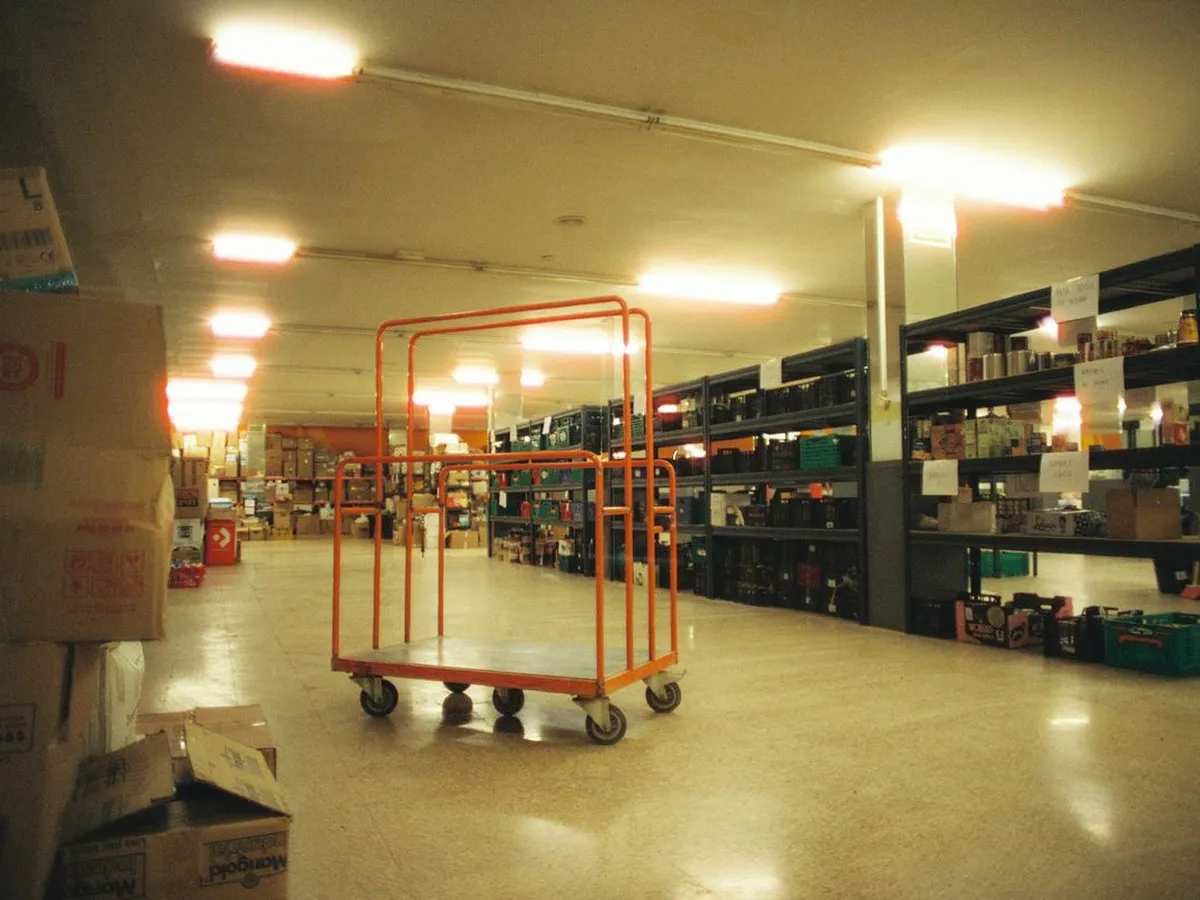
This week in the storeroom
- 18 work orders supplied
- Air filter below threshold
- 3 vehicles to restock
- 42 items with no issue in 2 years
4 key takeaways
Link parts and machines: you know what fits where, and what is no longer of any use.
Realistic thresholds: set by consumption, lead time and criticality.
Every issue linked: to a work order and to a piece of equipment.
Every vehicle is a stock: with its standard kit, its threshold and its inventory count.
Sound familiar?
Cataloging every part
The same belt exists under three names in the spreadsheet, with three different stock levels. On the day of the breakdown, nobody knows which one to take.
One record per part, with the manufacturer part number, not just a free-text description.
Link each part to the equipment it fits on.
Record the suppliers and the lead time: that is what sets the useful stock level.
Remove duplicates before you start: cleaning up the file beats a wrong stock.

With K inventory: each part is linked to the equipment it fits on: from a machine's record, you see the parts available and where they are. Your existing file is brought in through an Excel import, with help mapping the columns.

Bearing 6205-2RS
- Manufacturer part number
- Fitted on conveyor C2 and pump P4
- 2 suppliers, 10-day lead time
- 1 duplicate to merge
Organizing the storeroom
The parts are "somewhere in the workshop". A technician buys one in a rush, while it was sitting on a shelf.
A precise location per part: aisle, shelf, bin.
Flag the critical parts, those whose absence stops a machine or a service.
Issue the oldest first, especially for parts that age: seals, belts, filters.
Restrict access or record every issue: a self-service storeroom with no records means a wrong stock.
With K inventory: each item has its precise location and its threshold. Permissions are set by feature and by folder: each storeroom can have its own managers.
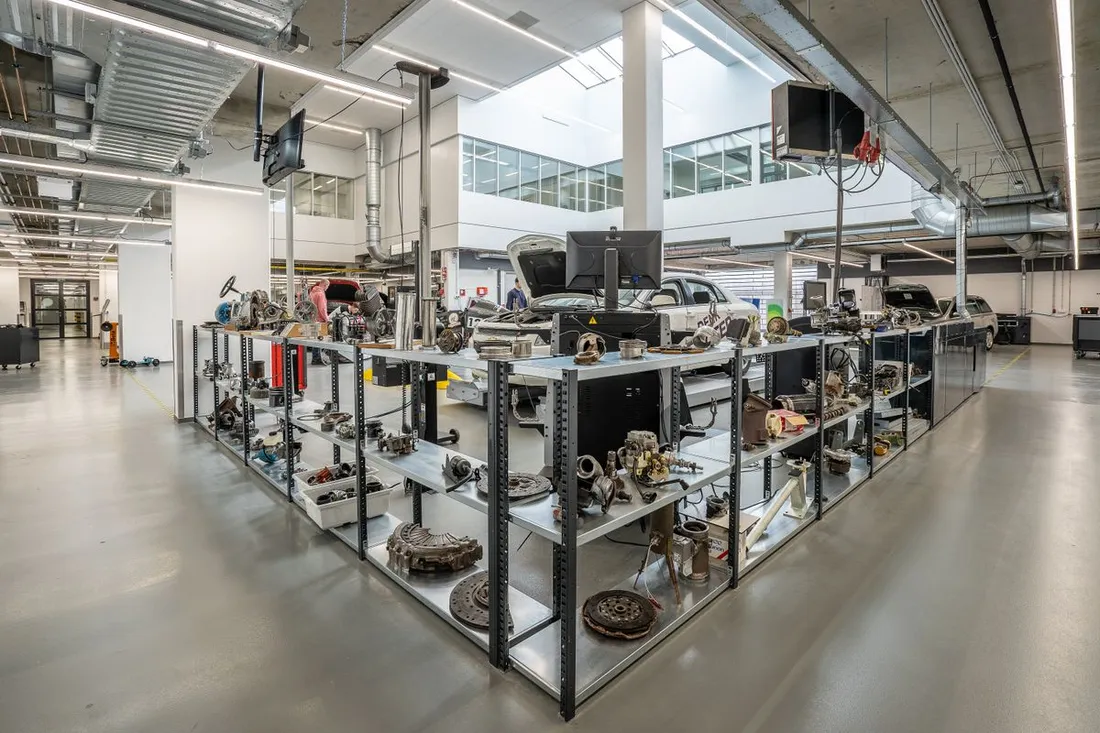
Central storeroom
- Aisles A to D, one bin per part
- Critical parts flagged
- Issues recorded
- 12 items without a location
Setting the right alert thresholds
For one part, we have two years of stock. For another, a critical one, we have none left, and the line waits ten days.
Start from actual consumption and the delivery lead time, not a gut feeling.
Higher safety stock for critical parts and long lead-time parts.
Review thresholds regularly, by season or after an equipment change.
Order before the threshold if the part has a long lead time.
With K inventory: each item has a threshold per location, with an alert before a stockout. K forecast reads the issue history to adjust thresholds and prepare the order; a manager always approves it.
Current stock and threshold: example
Fictitious example, in number of partsIssuing parts for a work order
The technician takes a part for a repair and forgets to record it. The stock is wrong, and the machine's history is incomplete.
Link every issue to a work order and to a piece of equipment.
Prepare parts ahead of preventive maintenance: the technician leaves with what they need.
Return unused parts to stock, with a scan.
Keep the history of parts used per machine: it is the basis of the analysis.
With K inventory: work orders are on the technician's phone, confirmed by scanning the equipment. Parts used during a work order are deducted from stock automatically, if you configure it, and added to the machine's history.

Work order BT-2207
- Belt issued from stock
- Bearing replaced
- Time spent: 1 h 20
- Machine back in service
Managing stock on sites and in vehicles
Thirty vehicles, thirty small stocks that nobody counts. We buy again a part sitting in a colleague's van.
Treat each vehicle or site as a location, with its stock and its threshold.
Define a standard kit per vehicle: what it must always carry.
Restock from the depot through a recorded transfer, not a handful of parts.
Count vehicle stock regularly, in a few minutes.
With K inventory: each vehicle is a location like any other. Restocking a vehicle from the depot is a recorded move, by scanning, and a transfer between sites is prepared on departure and received on arrival.
A part's journey
Each step is a location, with its own stockCounting the storeroom
The annual inventory shuts the storeroom for a whole day, and the discrepancies found can no longer be explained.
Prefer cycle counting: a few items every week, the most critical ones more often.
Count without stopping operations, location by location.
Analyze discrepancies while they are recent: forgotten issue, wrong location, loss.
Keep the full inventory for the year-end close.
With K inventory: cycle counts or full inventories are done on the phone, with discrepancies calculated before validation.
A few items every week, the most critical ones more often. The storeroom never stops, and discrepancies show up early.
The whole storeroom, on a set date. Useful for the year-end close, heavy to organize.
Analyzing breakdowns and consumption
We have been ordering the same parts for years, without knowing which machine uses them or why it breaks down so often.
Track the MTBF (mean time between failures) and the MTTR (mean time to repair) of key equipment.
Link parts consumption to breakdowns to spot the machines that cost the most.
Move recurring replacements to preventive maintenance.
Decide on replacing a machine based on these figures, not on an impression.
With K inventory: MTBF and MTTR are set up with formula fields, based on the breakdown and return-to-service dates. Dashboards show consumption and critical parts below threshold, site by site.
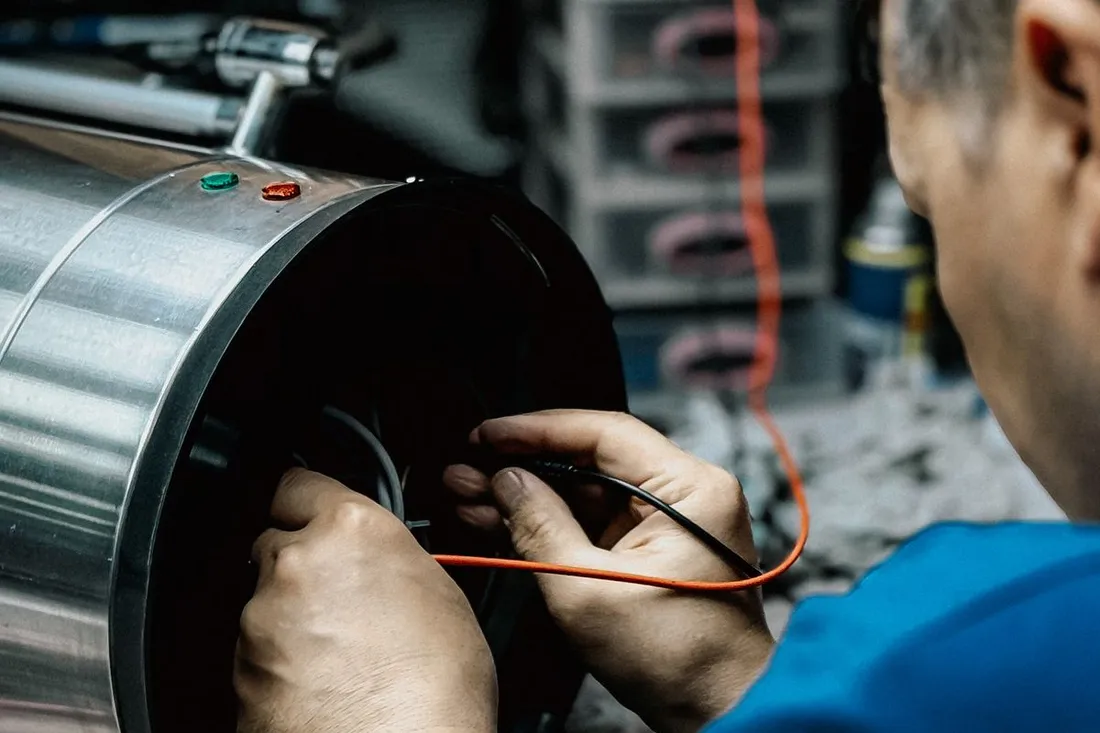
Conveyor C2 · last 12 months
- 6 breakdowns
- MTBF: 410 h
- MTTR: 1 h 40
- 3 belts used
Dealing with dead stock
Entire shelves of parts for machines that no longer exist. They take up space and distort the stock value.
Spot the items with no issue for a long time.
Check whether the equipment still exists: a part without a machine has no reason to be there.
Return, resell or reassign whatever can be.
Remove from stock with a reason whatever is scrapped.
With K inventory: dashboards bring out the items with no movement, and each part stays linked to its equipment: you immediately see the ones that no longer have any.
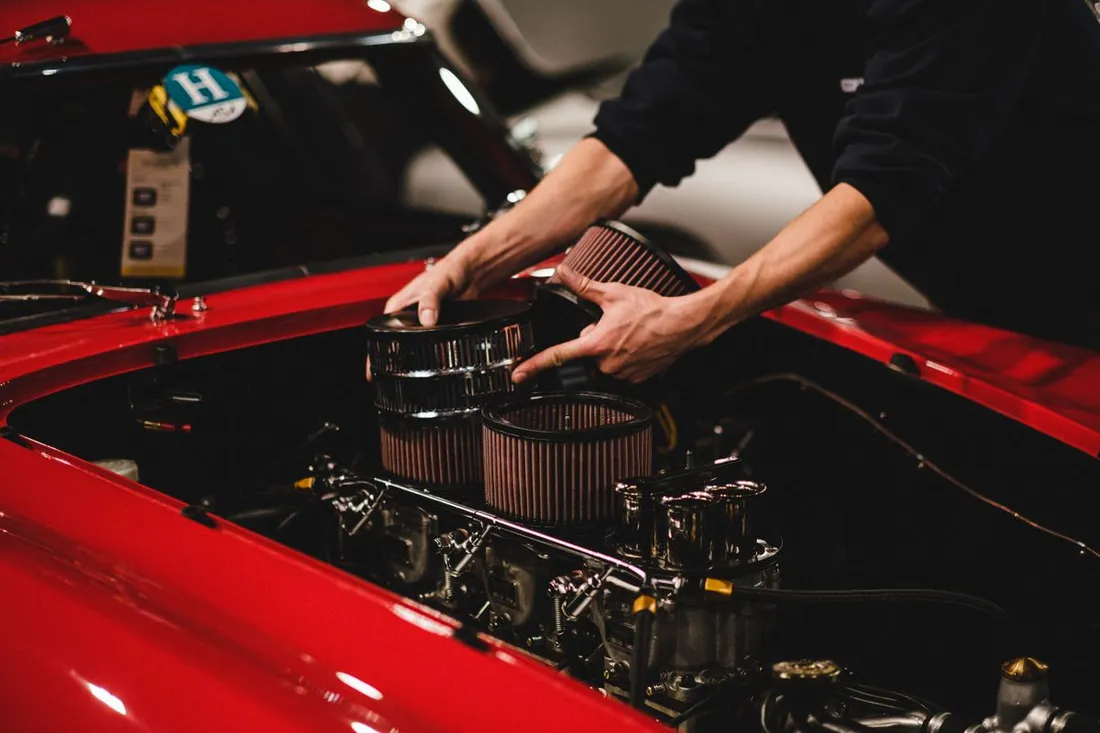
What a well-tracked part record looks like
A bearing has its manufacturer part number, a filter its replacement interval, a critical part its own threshold. Here are some sample records in K inventory.
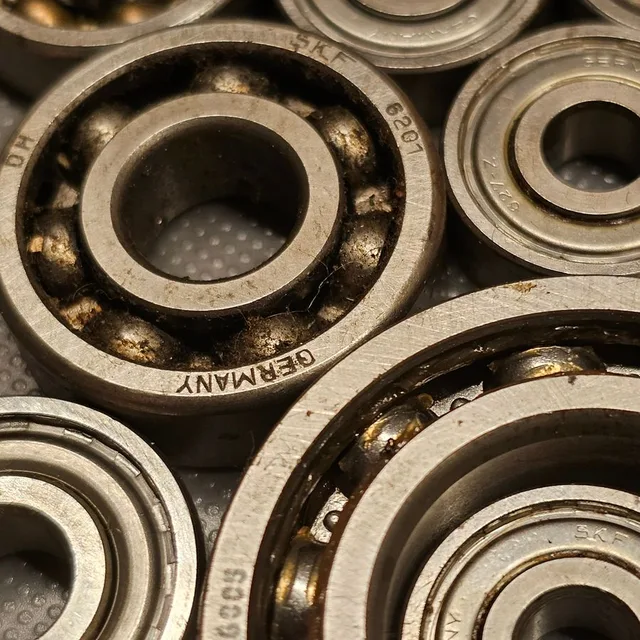
Ball bearing 6205-2RS
Each part is linked to the equipment it fits on. From a machine's record, you see the parts available and where they are.
Parts used during a work order are deducted from stock automatically, if you configure it.
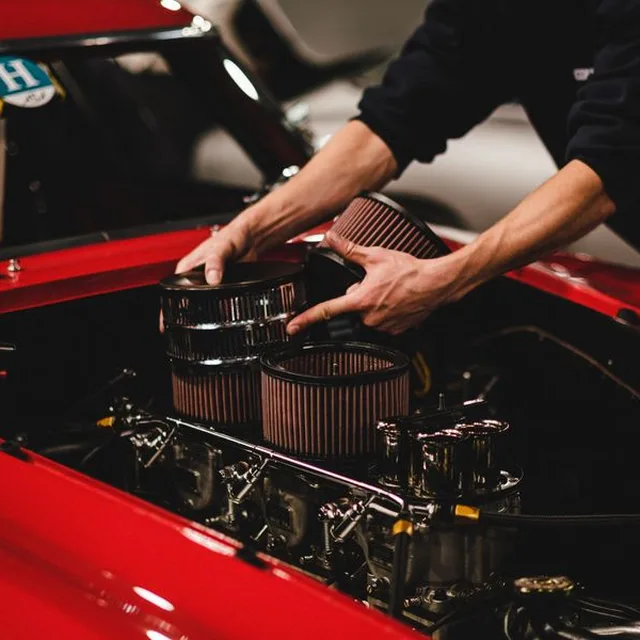
Air filter · generator set
A wear part changed at every preventive service can be planned for: below the threshold, an alert goes out before a stockout.
K forecast reads the issue history to adjust the threshold and prepare the order. A manager always approves it.
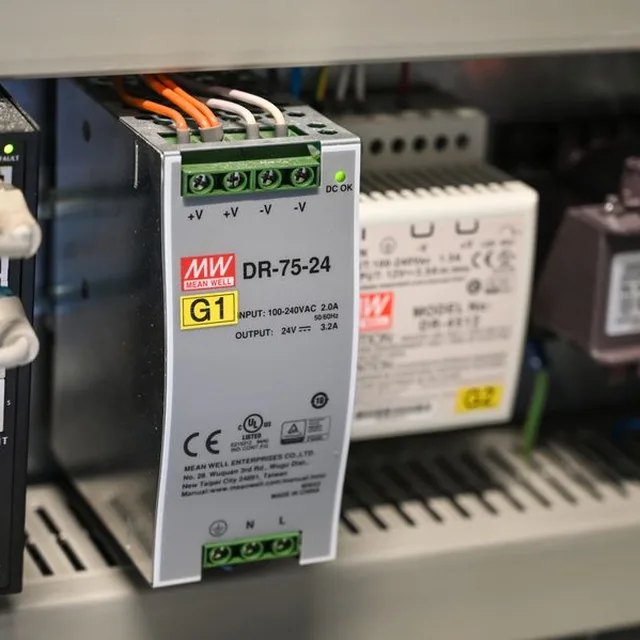
24 V DIN rail power supply
Critical parts, those whose absence stops a line, are flagged with a field of your choice and have their own threshold.
A dashboard lists the critical parts below threshold, site by site.
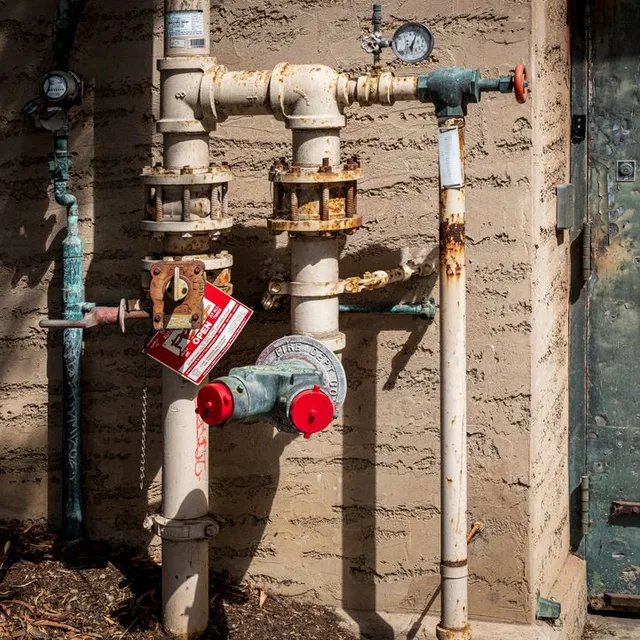
DN50 ball valve
When several sites have their own storeroom, each location has its quantity and its threshold. A transfer is prepared on departure and received on arrival, by scanning.
The consolidated view shows the stock of every site, and each manager sees their own.
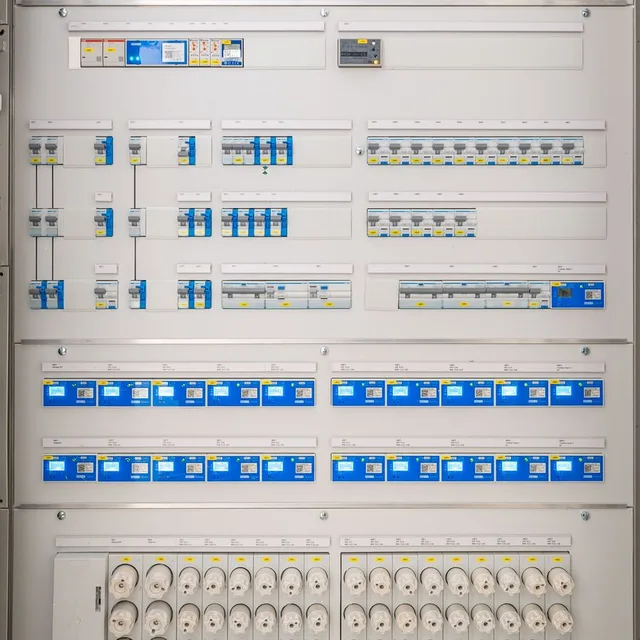
2P 16 A circuit breaker
The stock carried in a vehicle is a location like any other: the technician knows what they have, the depot knows what needs restocking.
Restocking the vehicle from the depot is a recorded move, by scanning.
Spreadsheet or dedicated tool?
A spreadsheet is enough for a few dozen parts in a single storeroom. Its limits show with work orders, vehicles and several sites.
| Spreadsheet | Dedicated tool with a mobile app | |
|---|---|---|
| Suited to | One storeroom, few parts | Several storerooms, vehicles and sites |
| Issue for a work order | Recorded afterwards, or not at all | Linked to the work order, automatic if configured |
| Thresholds | To watch yourself | Alert before a stockout, thresholds adjusted to history |
| Link with machines | A comments column | Each part linked to its equipment |
| Analysis | Calculations by hand | MTBF, MTTR and consumption on dashboards |
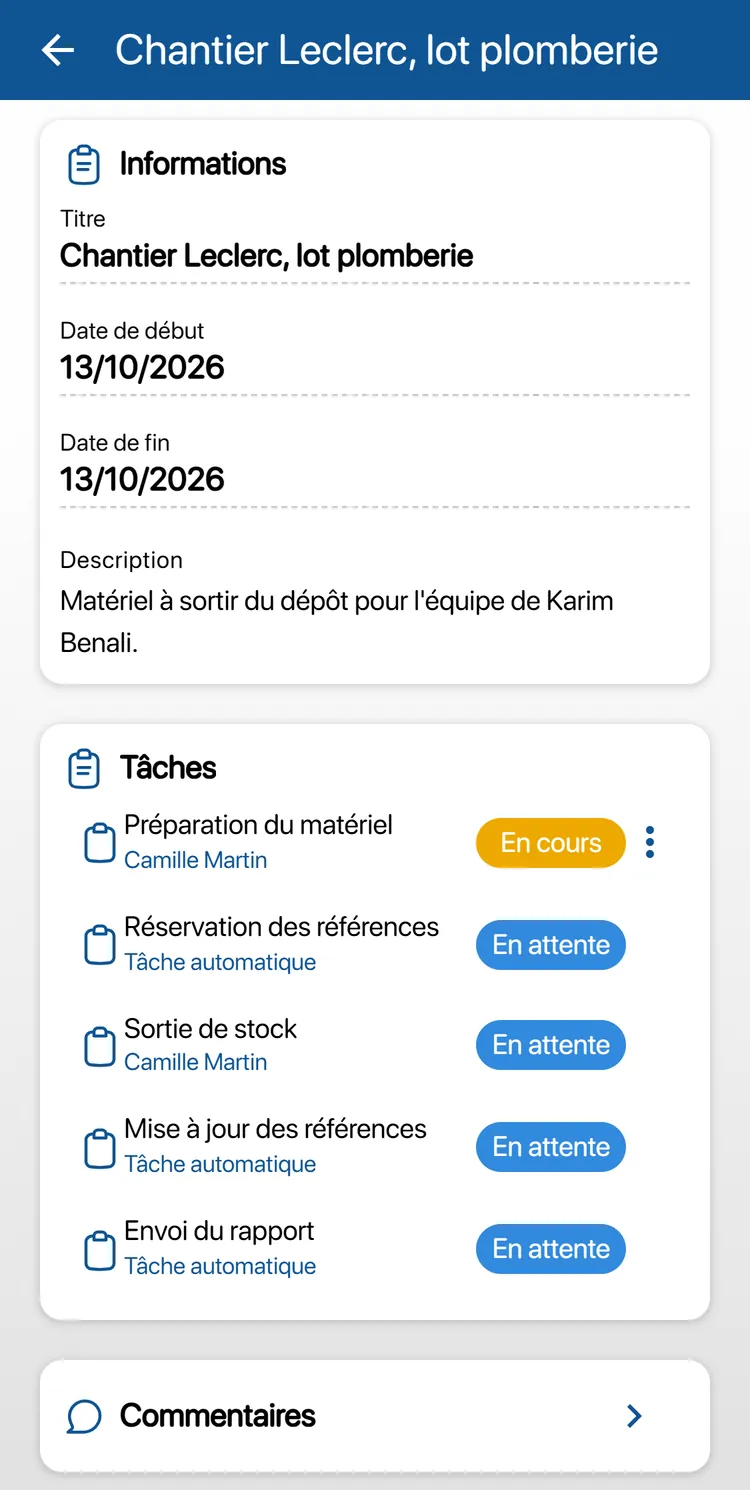
What a dedicated tool looks like: parts are prepared and issued from stock as the work order progresses, on the technician's phone, and each machine keeps the history of its parts.
For the full feature list, see the CMMS preventive maintenance software page.
Going further
Frequently asked questions about spare parts management
How do you know which parts to keep in stock?
By combining three pieces of information: the actual consumption of each part, its lead time, and the criticality of the equipment it fits on. A part used rarely but critical and with a long lead time deserves safety stock; a common part delivered quickly, much less so.
How do you calculate safety stock?
It depends on the variability of consumption and on the lead time. Our free safety stock and reorder point calculator gives a first estimate, to be fine-tuned afterwards with actual history.
What are MTBF and MTTR?
MTBF is the mean time between failures: it measures a piece of equipment's reliability. MTTR is the mean time to repair: it measures how long stoppages last, and a missing part makes them that much longer. Our free MTBF / MTTR calculator lets you work them out.
Cycle counting or annual inventory?
The two go together. Cycle counting counts a few items at a time, throughout the year, without shutting the storeroom: discrepancies show up early. The full inventory remains useful for the year-end close.
Can parts used in a work order be deducted from stock automatically?
With K inventory, yes, if you configure it: parts used during a work order are deducted from stock automatically, and the work order keeps the list of parts used in the equipment's history.
How much does a spare parts management tool cost?
With K inventory, plans are counted in items, never in users: a part managed by quantity counts as one item per location, and a piece of equipment tracked individually counts as one item. Essential: €175 per month for up to 500 items. Advanced: €390 per month for up to 1,000 items. Beyond that, the Custom plan is quoted on request.
The right part, in the right place, before the breakdown
Tell us about your equipment, your storerooms and your current spreadsheet during a demo: we will show you how to manage your parts day to day in K inventory.