Tool management: the practical guide
Buy or rent, organize the depot, check tools out to job sites, inspect, locate, get them back, retire: practical ideas to stop searching for your tools, step by step.
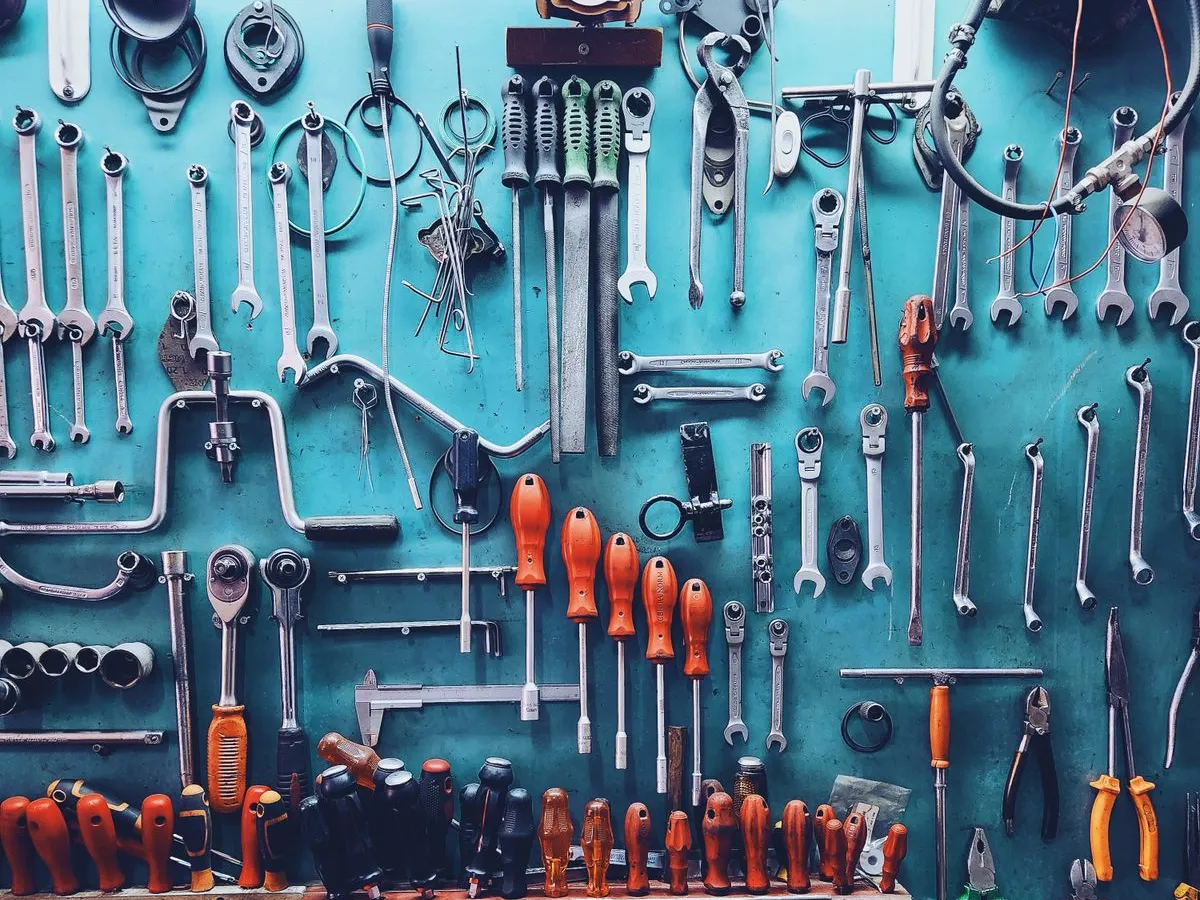
This week
- 64 tools on 3 job sites
- 2 overdue returns
- 1 rotary hammer under repair
- 3 inspections to schedule
4 key takeaways
Always a holder: every tool checked out is assigned to a person or a job site.
A checked return: what comes back is compared with what went out.
A doubtful tool does not go back out: a visible status sets it aside until it is repaired.
Check before you buy: teams often rent or buy what they already own.
Sound familiar?
Buying or renting your tools
We rent a mini excavator or a rotary hammer for a job, while one sits idle at the depot. Or the other way around: we buy a tool that will only be used two weeks a year.
Check what is available before any rental or purchase.
Buy what is in constant use, rent what is needed only now and then.
Track rented equipment like your own: the rental company, the expected return date, the job site using it.
Standardize battery brands: one charger for the whole team, fewer losses.

With K inventory: rented equipment is recorded as an item, with the rental company and the expected return date in custom fields. It is assigned and moved just like your own equipment.
- For
- Tools used every day
- Cost
- An investment, depreciated
- Availability
- Immediate, at the depot
- Watch out for
- Maintenance and inspections
- For
- Equipment used occasionally
- Cost
- Paid by duration
- Availability
- Depends on the rental company
- Watch out for
- The return date, every day counts
Organizing the depot
The depot is overflowing, tools get put back anywhere, and every morning we lose twenty minutes looking for the reciprocating saw.
A place for every tool, clearly marked: a shelf, a board, a drawer.
Label every individually tracked tool with a barcode or a QR code.
Keep what is available separate from what is under repair or awaiting inspection.
Manage small tools by quantity: drill bits, discs and blades are counted, not labeled one by one.
With K inventory: each tool has its own record and exact location, and labels are printed from the platform. Small tools are managed by quantity, with an alert threshold per location.
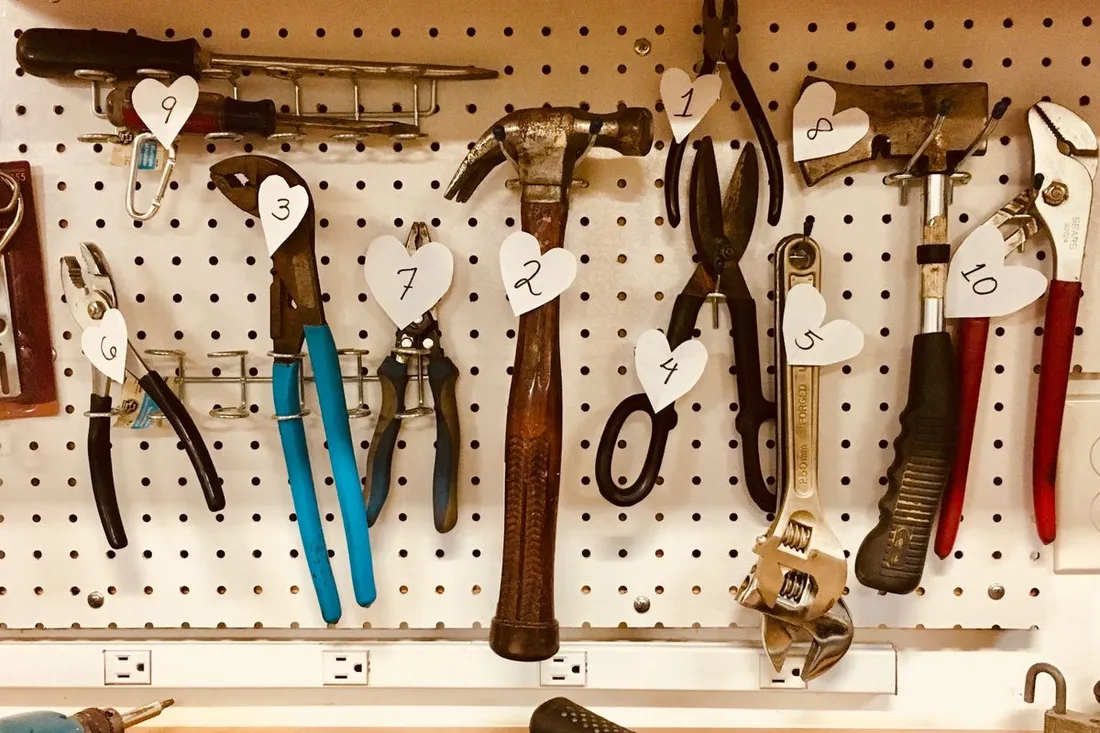
Central depot
- 1 location per tool
- A label on every tracked tool
- Separate "under repair" area
- 8 mm drill bits below threshold
Checking tools out to job sites
The drill left on Monday. To which job site? With whom? Nobody wrote it down, and it moves from one van to another.
Assign every checkout to a person or a job site, with the date.
Prepare a list per job site: what goes out, what must come back.
Record transfers from one job site to another, without going back through the depot.
Make it quick: if a checkout takes more than a few seconds, it will not get done.
With K inventory: the tool leaves the depot with a scan, assigned to a worker or a job site. Transfers between job sites are recorded, and the last scanned movement tells you where it is.

Checkout · Les Tilleuls job site
- Rotary hammer · M. Rossi
- Drill driver + 2 batteries
- Rotary laser
- Due back Friday
Inspecting and maintaining
A faulty tool comes back to the depot, is put away with the others, and goes back out to a job site the next day.
Visual check before use: cable, guard, general condition.
Maintenance per the manufacturer's manual, and servicing of heavy equipment by date or by hour meter.
Periodic general inspections (VGP) for lifting equipment and accessories, under the French order of March 1, 2004.
Set aside any doubtful tool with a visible status, until it is repaired.
With K inventory: an inspection checklist is filled in on the phone, with the points you have chosen. A reminder warns you before each due date, and a damaged tool switches to "under repair" status: it does not go back out.
The inspection schedule
From the daily check to regulatory inspectionsKnowing where every tool is
The crew leader is looking for the rotary laser. It might be at the depot, in a van, or on the job site next door.
Know the last movement of every tool: who took it, for which job site, when.
Review each job site when the job ends, before bringing everything back.
Count the depot and the vehicles regularly, location by location.
Deal with missing tools: a tool that does not turn up is declared lost, not forgotten.
With K inventory: every tool has its last scanned movement: who and which job site it is assigned to. The inventory count is done by scanning with the phone, location by location.
Where are the tools? Example for 206 tools
Fictitious example, to illustrate the methodGetting tools back from the job site
The toolbox comes back three wrenches short, the drill driver without its batteries. Nobody notices until the next job.
Check every return against what went out.
Check kits and toolboxes: is the expected content complete?
Note the condition on return and send for repair whatever needs it.
Follow up right away on anything missing, while the job is still fresh in everyone's mind.
With K inventory: on return, a scan puts the tool back at the depot. A toolbox is tracked as a single tool, with its content described on the record and a photo of the complete toolbox. Anything not returned stays assigned.
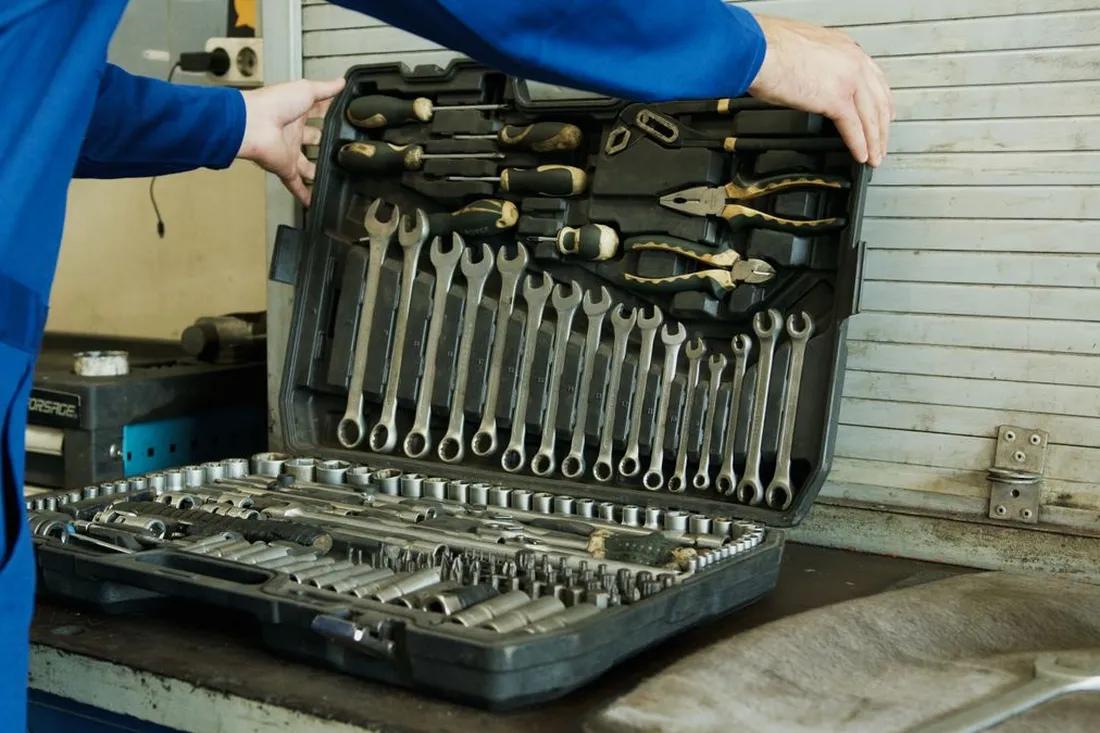
Return · Toolbox OUT-0150
- 94 pieces expected
- Compared with the complete toolbox photo
- 13 and 17 wrenches
- Condition: good
Repair, retire, replace
Broken tools pile up at the back of the depot "for parts". Nobody knows which ones can be repaired, or how much they have already cost.
Keep the repair history of every tool to know when it is no longer worth it.
Track the cost of a tool, from purchase to disposal.
Remove the tool from the fleet with a reason: broken, lost, stolen, worn out.
Reuse or resell whatever can still be used.
With K inventory: every repair is added to the tool's history, and every removal from the fleet keeps its reason. The cost of ownership is tracked from purchase to disposal.
What a well-tracked tool record looks like
A power tool has its serial number, a toolbox its content, a welder its hour meter. Here are some sample records in K inventory.
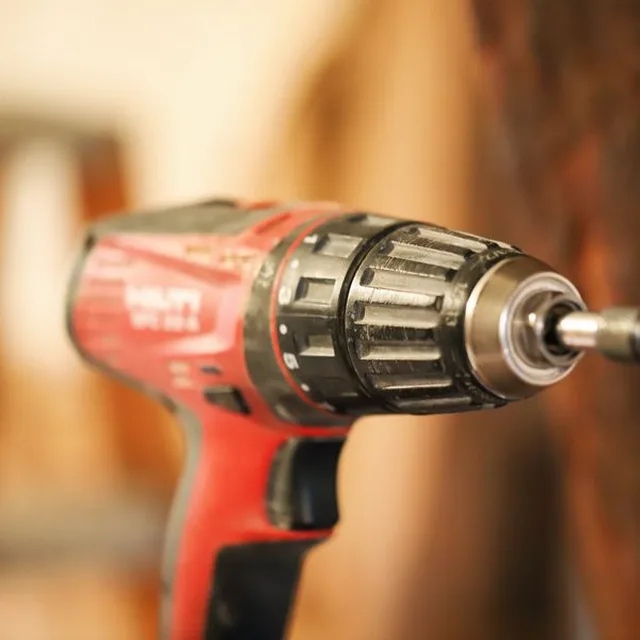
Cordless drill driver · OUT-0412
The tool leaves the depot with a scan, assigned to a worker or a job site. Its record shows who has it, and since when.
On return, a scan puts it back at the depot. A damaged tool switches to "under repair" status and does not go back out.
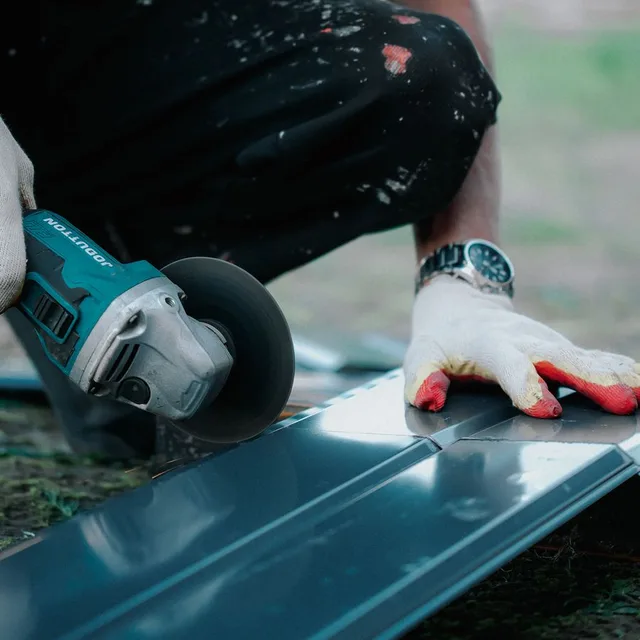
125 mm angle grinder · OUT-0388
For tools that need inspecting, an inspection checklist is filled in on the phone. You decide which points to check and which are mandatory.
A reminder warns you before the next inspection date, and the result stays in the tool's history.
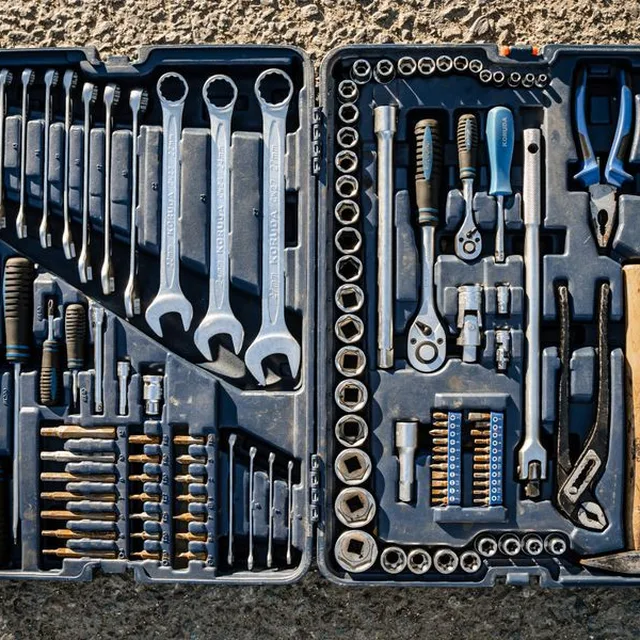
Wrench and socket set · 94 pieces · OUT-0150
A toolbox is tracked as a single tool, with its content described on the record. On inventory day, you know what should be in it.
The photo of the complete toolbox, taken when the record is created, serves as the reference on return.
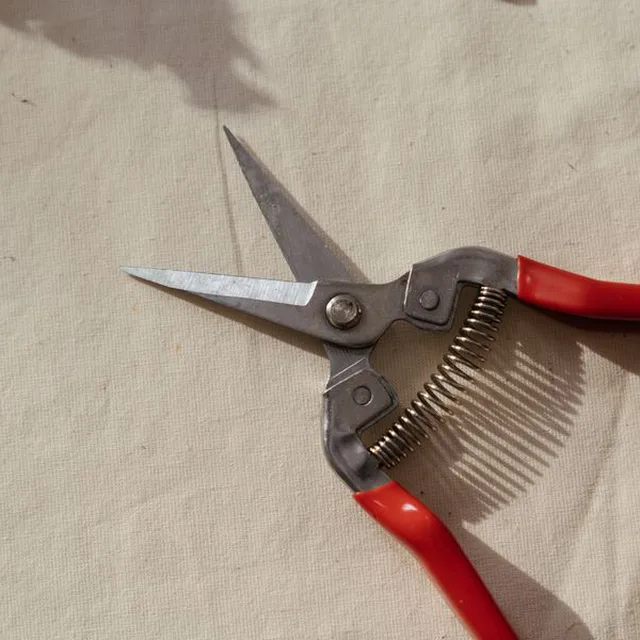
Professional pruning shears · grounds maintenance
Small tools that wear out and get lost are managed by quantity, per location, with an alert threshold.
Every issue is scanned as the team heads out: you know which department uses what.
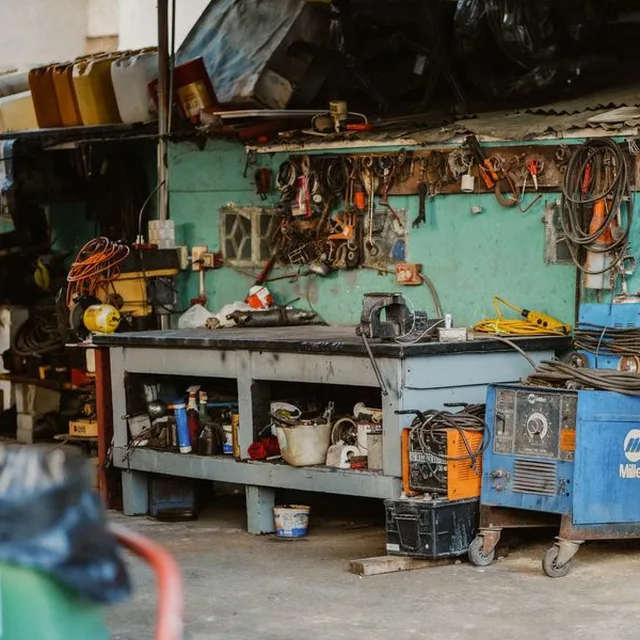
Welder · OUT-0091
Heavy equipment has its maintenance plan, by date or by hour meter. The workshop sees what must be serviced before it goes back out.
When it falls due, a work order opens, and the technician follows it on their phone.
Spreadsheet or dedicated tool?
A spreadsheet is enough for a few tools and a single team. Its limits show as soon as tools move between the depot, the vans and several job sites.
| Spreadsheet | Dedicated tool with a mobile app | |
|---|---|---|
| Suited to | A few tools, one team | Several teams, vans and job sites |
| Checkout and return | A row to fill in, rarely done | A scan, with the person and the job site |
| Where is the tool? | The last row entered, if there is one | The last scanned movement |
| Inspections and maintenance | Dates you have to watch yourself | A reminder before the due date, an "under repair" status |
| Toolboxes and kits | Content from memory | Described content and a reference photo |
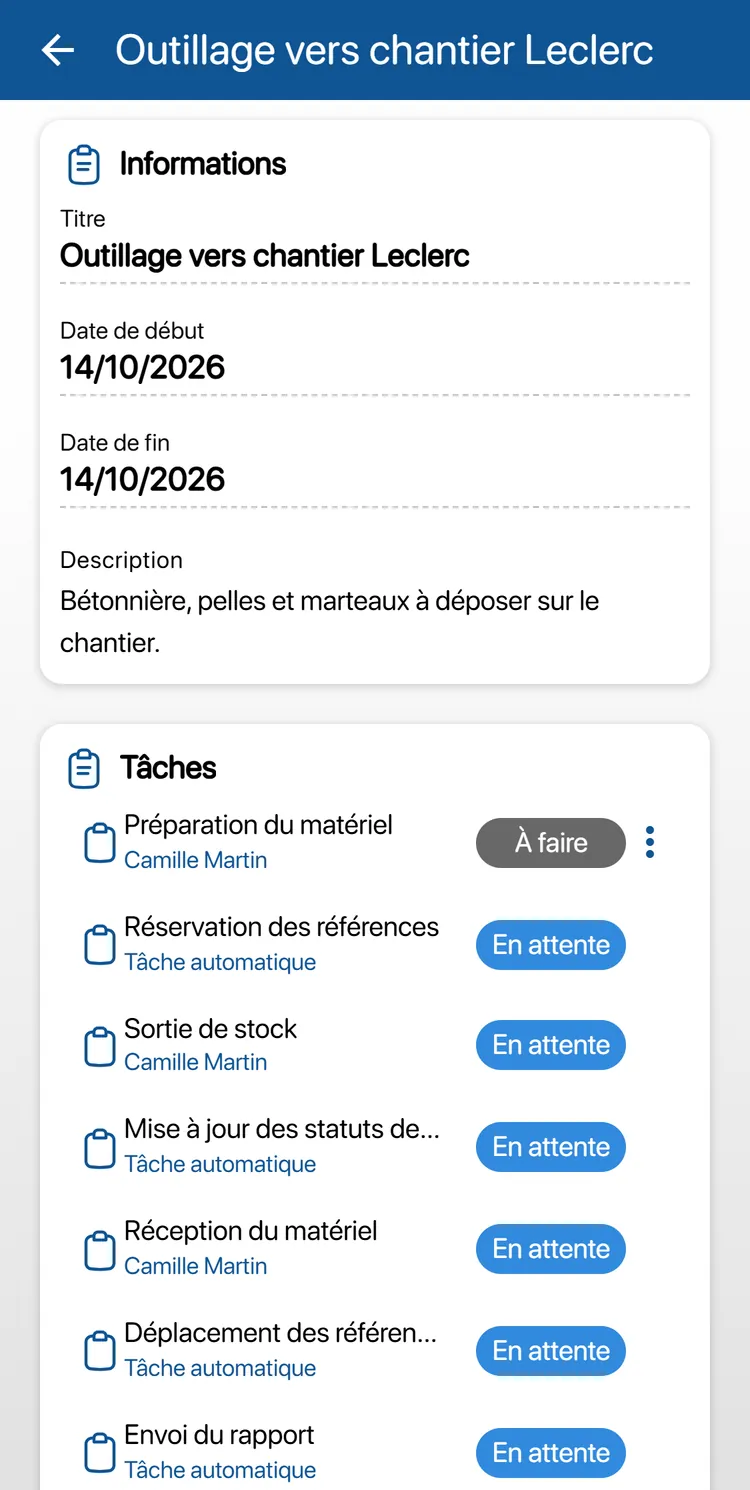
What a dedicated tool looks like: every checkout to a job site is prepared at the depot and confirmed with a scan, and every tool keeps its history, on the web and on the phone.
For the full feature list, see the stock and inventory management page.
Going further
Frequently asked questions about tool management
How do you know who has which tool?
By assigning every checkout to a person or a job site, with the date, and recording every return. The tool then always has a known last holder, and its history shows all its movements.
Should every tool be labeled?
Only those tracked individually: power tools, measuring instruments, toolboxes, heavy equipment. Small tools and tool consumables (drill bits, discs, blades) are counted by quantity, per location.
How can you reduce tool losses?
Three habits are often enough: every checkout tied to a person or a job site, a checked return, and a review at the end of each job before bringing everything back. Losses mostly come from tools that change hands without a trace.
Which tools need periodic inspections?
In France, lifting equipment and accessories are subject to periodic general inspections, whose frequency is set by the order of March 1, 2004. More broadly, work equipment must be kept in compliance (French Labor Code, article R4322-1), and maintenance follows the manufacturer's manual.
Does K inventory locate tools by GPS?
No. K inventory is not a GPS tracking device. It tells you who and which job site a tool is assigned to, and what its last scanned movement was. That is what lets you find it.
How much does a tool management system cost?
With K inventory, plans are counted in items, never in users: a tool tracked individually counts as one item, and small tools managed by quantity count as a single item per location. Essential: €175 per month for up to 500 items. Advanced: €390 per month for up to 1,000 items. Beyond that, the Custom plan is quoted on request.
Find your tools again, from depot to job site
Tell us about your depot, your job sites and your current spreadsheet during a demo: we will show you how to track your tools day to day in K inventory.